Table 12. Diagnostic processor LEDs (continued)
LED Component or process Conditions when blinking Action
Amber
power
indicator
Hardware failure light The hardware failure light is combined with the system power LED
that is located on the front of the system. When any one of LEDs 2
through 6 illuminate, then the green power LED becomes inactive and
the yellow hardware failure light illuminates.
Note: The Information LED (8) will not cause the hardware failure
light to illuminate.
Using the system event log viewer
The system event log viewer is a BIOS POST (power on start) plug-in that provides
access to the system event log. Follow these steps to view the system event log:
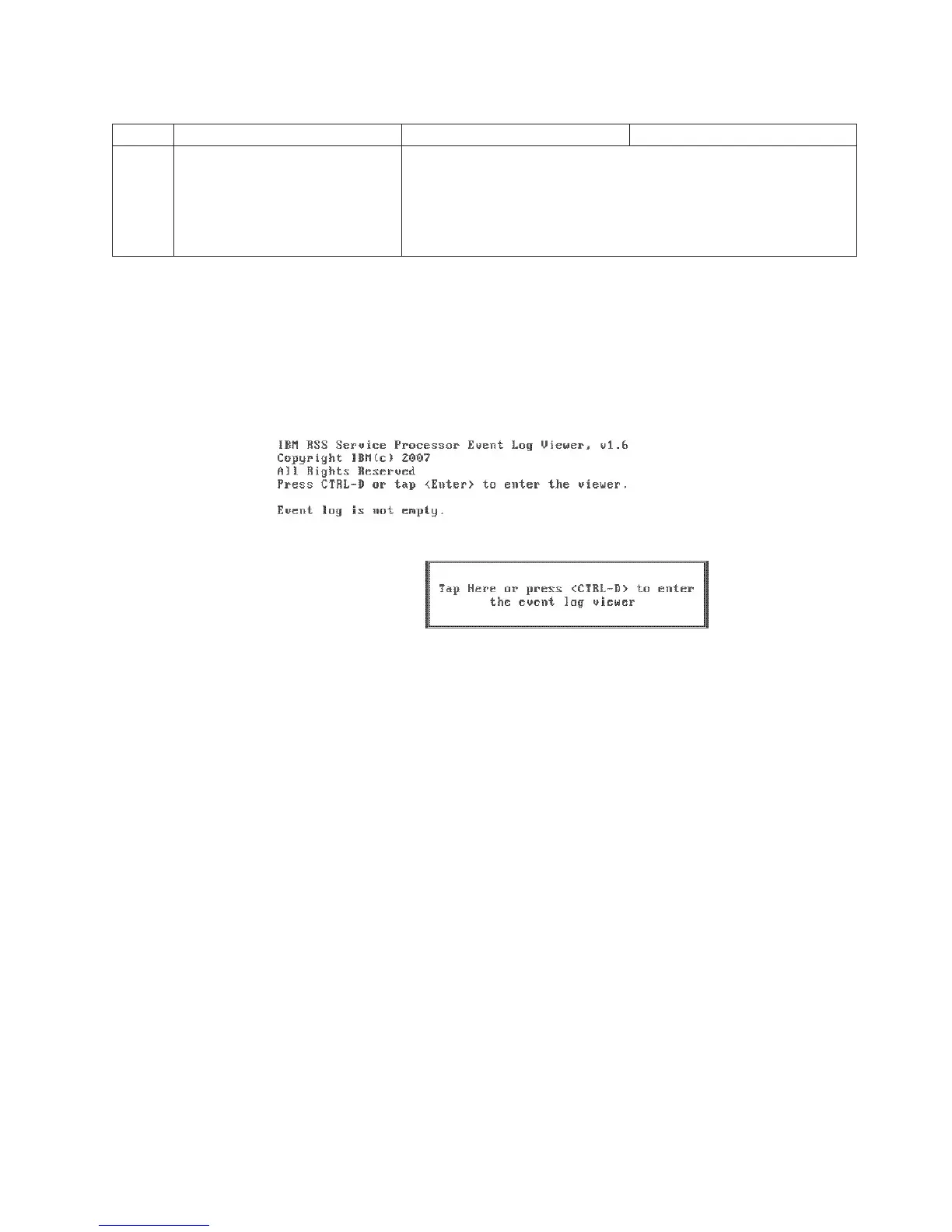
1. Power on the system and wait for the system event log viewer (Figure 40)
screen to appear.
2. Tap the center box or press CTRL+D to open the system event log viewer. A
screen similar to Figure 41 on page 66 appears.
Figure 40. System event log viewer screen
Diagnosing problems and troubleshooting
Chapter 5. Diagnosing problems and troubleshooting 65



 To Next Page