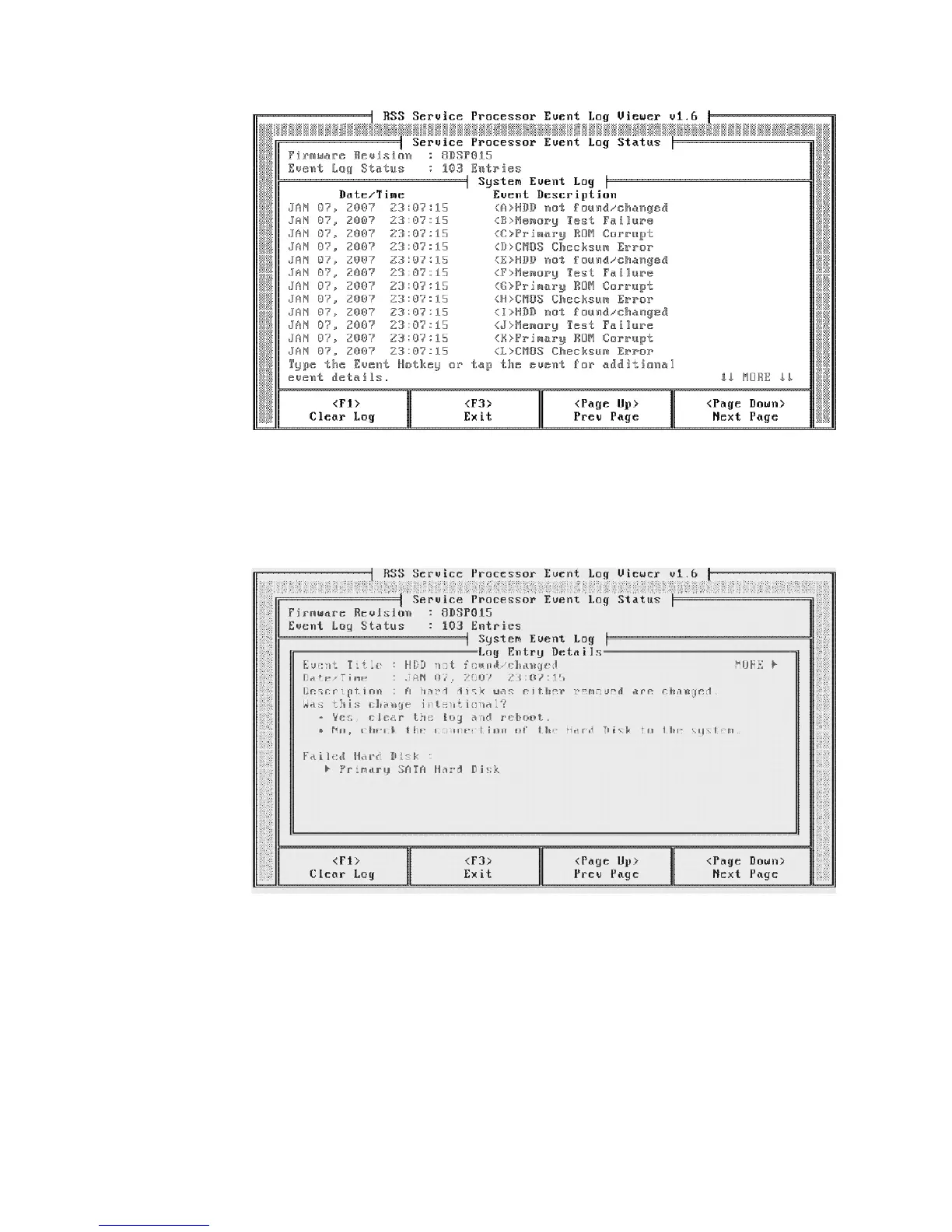
3. For additional details of a saved event, use the touch screen to tap and open
the event, or use an optionally attached keyboard. You can also press the event
hot key.
4. Follow the prompts on the screen to view events or to clear the system event
log.
Notes:
1. All saved events can be viewed.
2. Events are logged by event date: most recent to oldest.
3. If the event log reaches its capacity, the oldest events are deleted.
Figure 41. Example of saved events screen
Figure 42. Example of saved event details
Diagnosing problems and troubleshooting
66
IBM AnyPlace Kiosk 4838



 To Next Page