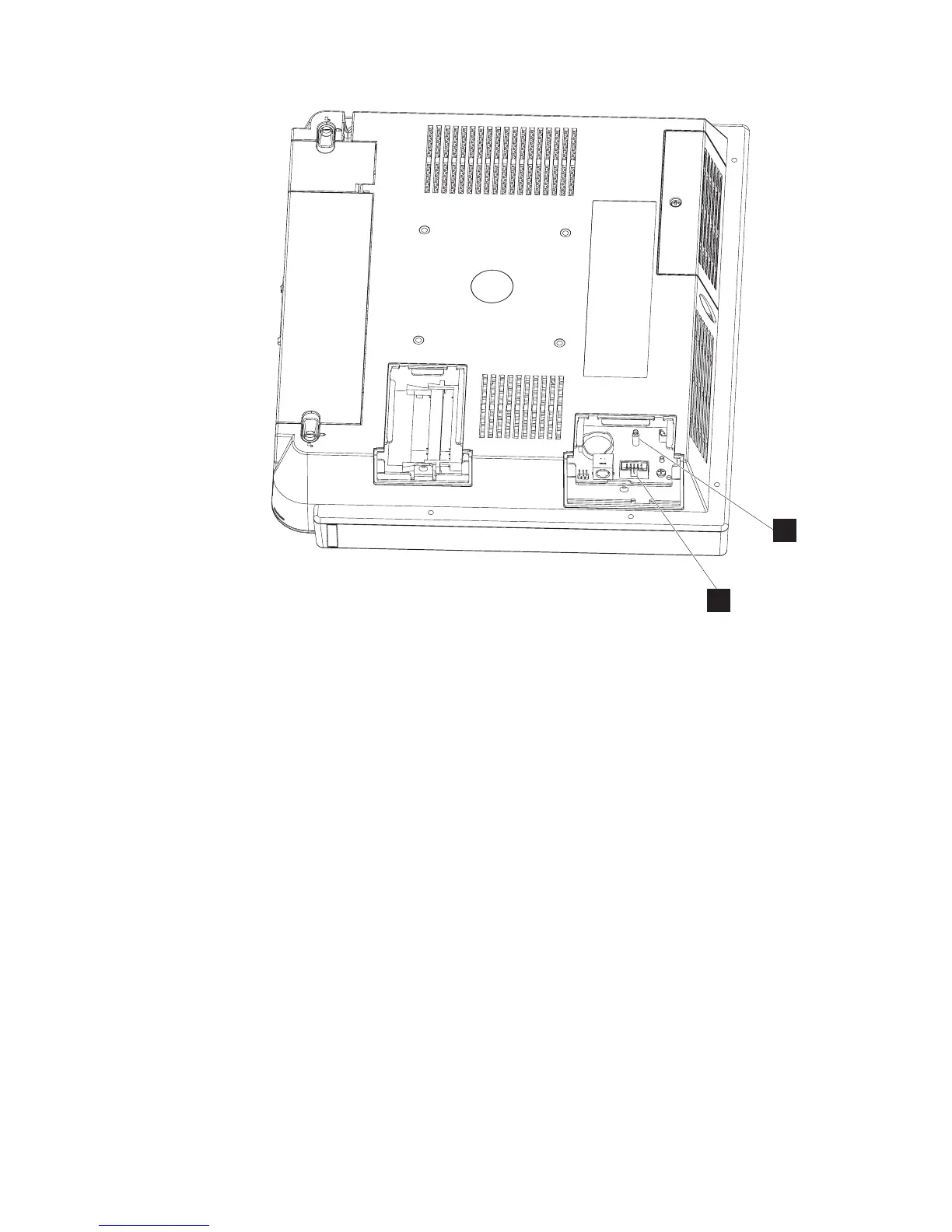
2. Press the flash drive down onto the connector (F in Figure 9) and support
post (G), and latch it into place.
3. Replace the side door by tightening the captured screw.
Note: Do not overtighten the screw.
F
G
Figure 9. Location of the flash drive
Installing the IBM AnyPlace Kiosk
Chapter 2. Installing the IBM AnyPlace Kiosk 17



 To Next Page