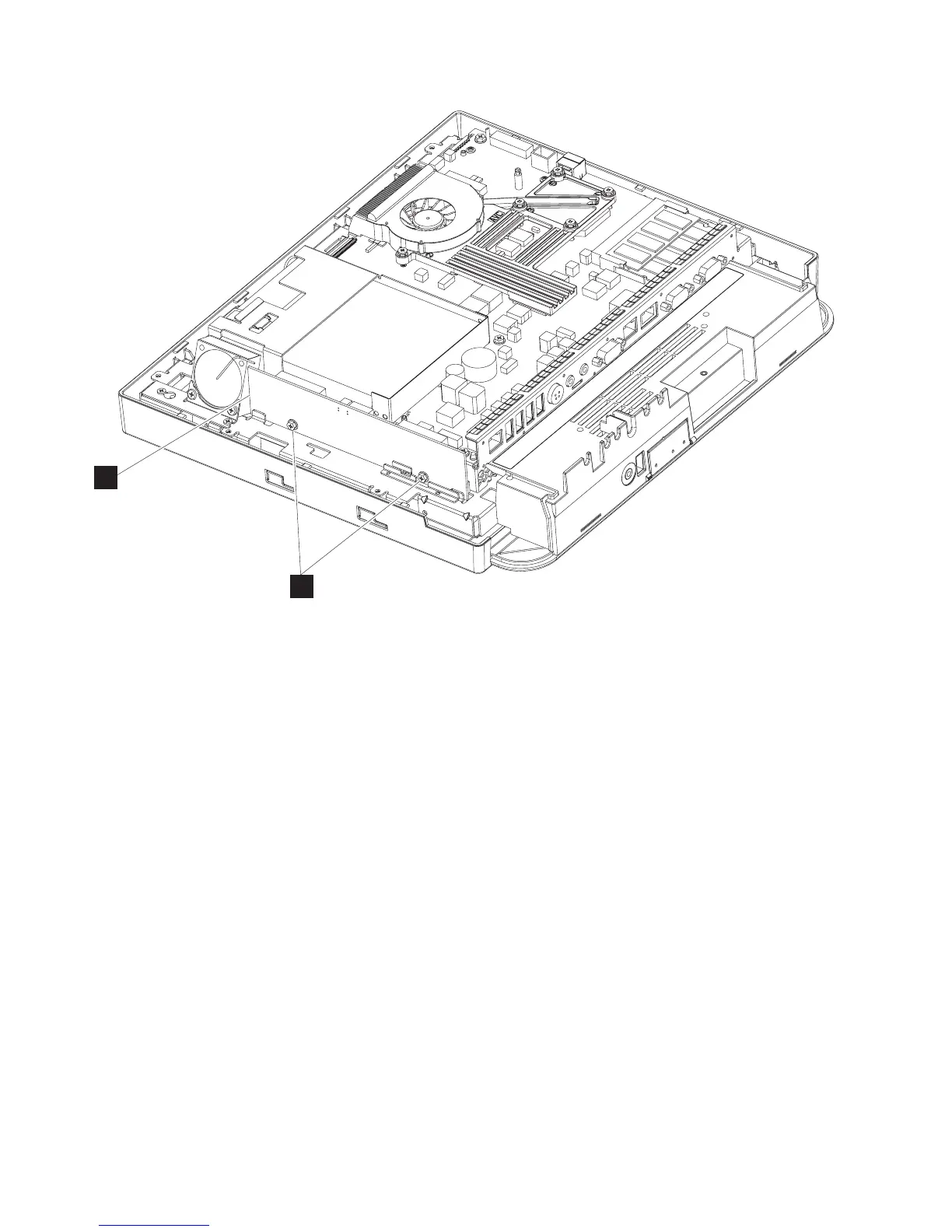
3. Disconnect the two cables (system board cable and the Extended Display
Identification Data (EDID) cable) from the backlight card.
4. Remove the two screws (S) that hold the backlight inverter card (T).
5. Remove card to access and detach the two or four LCD backlight cables.
6. Lift the card to remove.
7. To replace, reverse this procedure.
S
T
Figure 21. Backlight inverter card
Removing and replacing FRUs
40
IBM AnyPlace Kiosk 4838



 To Next Page