Chapter 14. Administration - Support 373
Draft Document for Review March 28, 2011 12:24 pm 7914support2-0209.fm
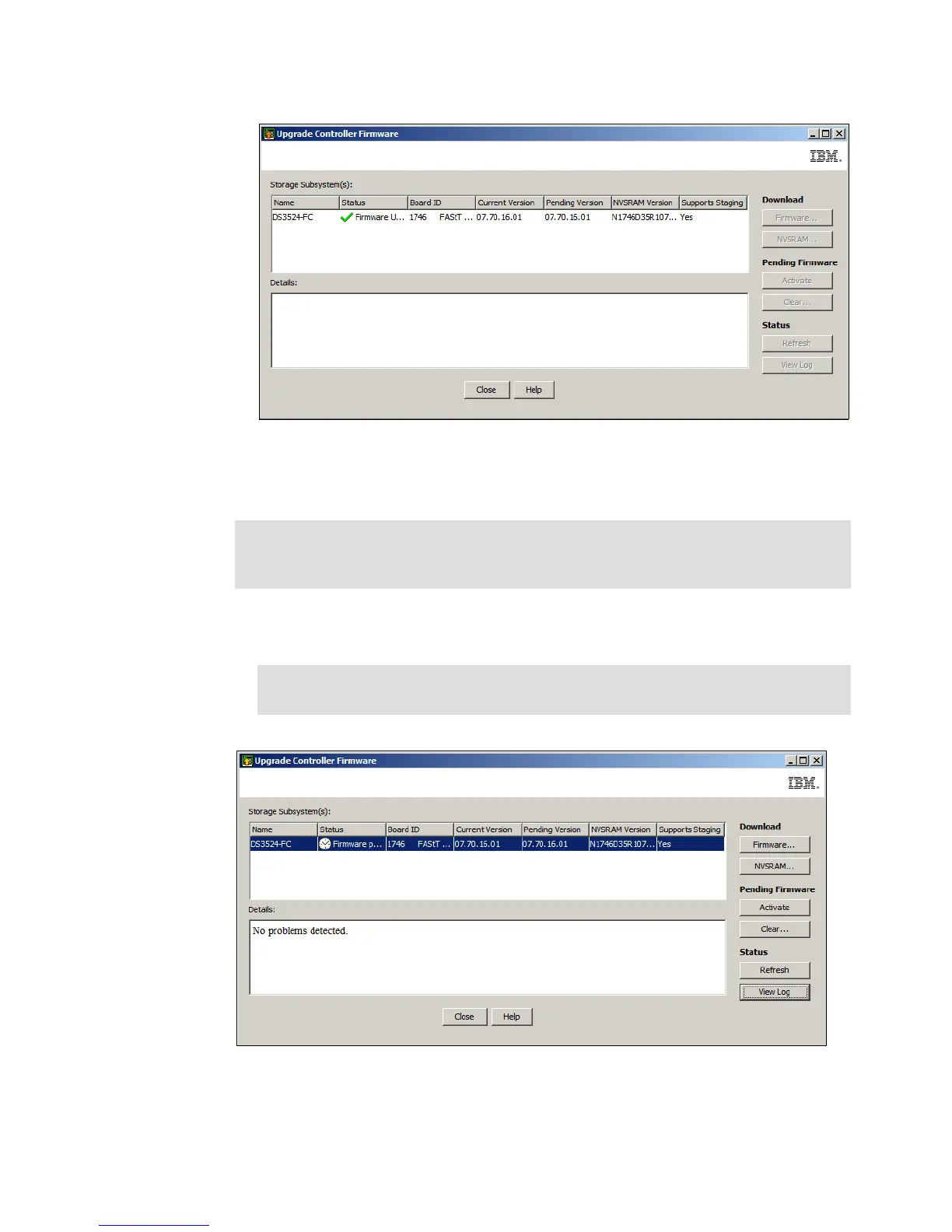
Figure 14-51 Firmware activated successfully
7. It is also possible to clear a pending firmware and NVSRAM upgrade image that has been
transferred to the DS3500 storage system, but not yet activated.
a. Click on the Clear button in the Upgrade Controller Firmware window shown in
Figure 14-52.
Figure 14-52 Pending firmware upgrade
b. You will be asked to confirm that you want to clear the pending firmware upgrade as
shown in Figure 14-53 on page 374.
Note: You can also clear a pending firmware upgrade in the DS Storage Manager
(Subsystem Management) window Advanced Maintenance Clear Controller
Firmware menu command.
Note: You may need to click on the Refresh button before the Clear button is
enabled.


 To Next Page
 Loading...











