113
device’s connection IP, and modify its IP on the table of data from the server. Then we have a
constant domain name in the Web browser, along with the HTTP port, send a request to identify
the car IP of the domain name typed. The server will direct the domain name to the IP connection,
thus allowing access to the device which does not have a fixed IP in the network.
Note: It is important to note that to gain access to the device in a local network, it is necessary to
achieve the redirect the port of your modem or router to your device.
To receive domain name in the No-IP DDNS service, please follow the steps listed below.
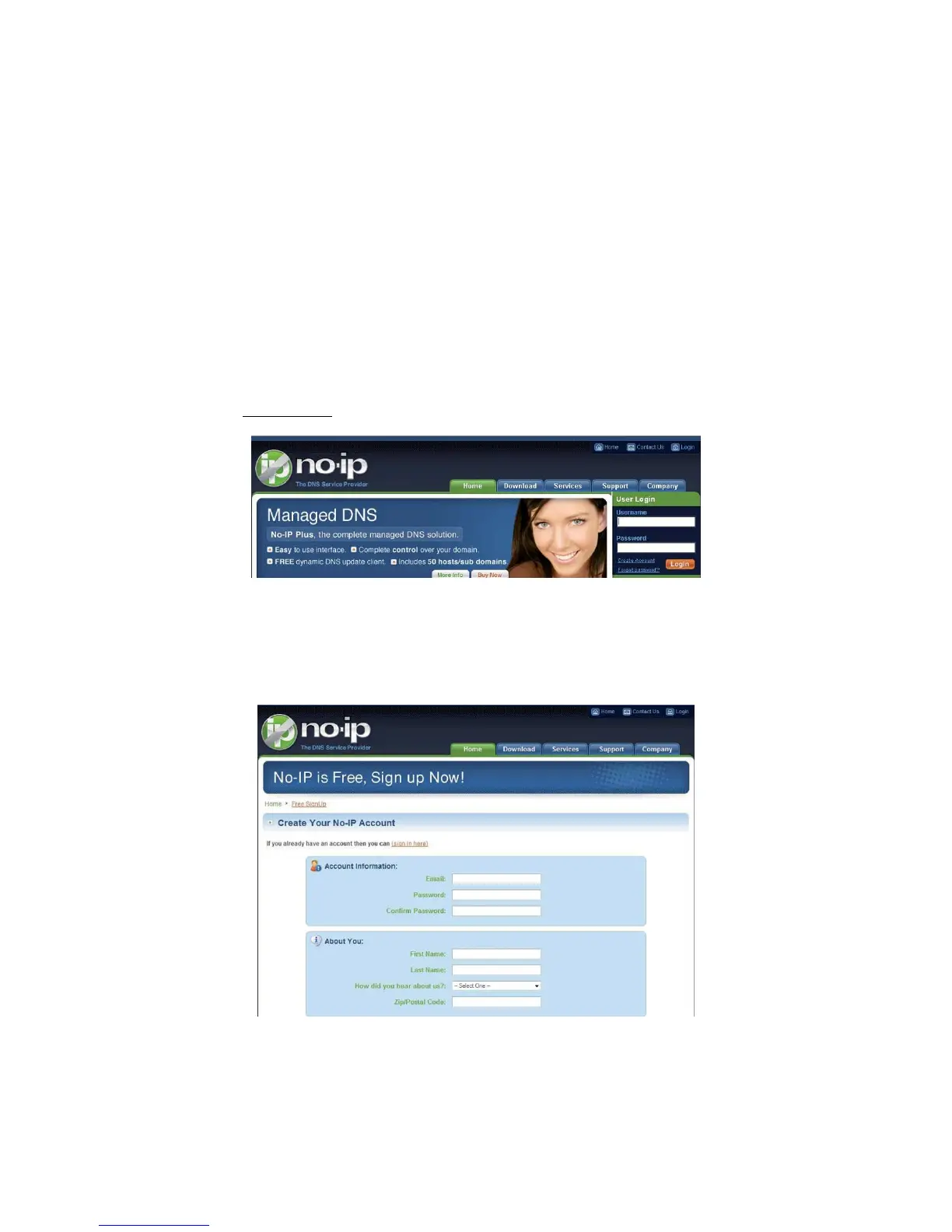
1. Please visit www.no-ip.com; the page of No-IP appears as below. See 342HFigure 13-2.
Figure 13-2
2. Left click mouse on the “Create Account” button, account Information interface is shown as in
343HFigure 13-3.
Figure 13-3
3. Fill in the requested fields and click I Accept button. Then you can get an email containing username and



 To Next Page