48
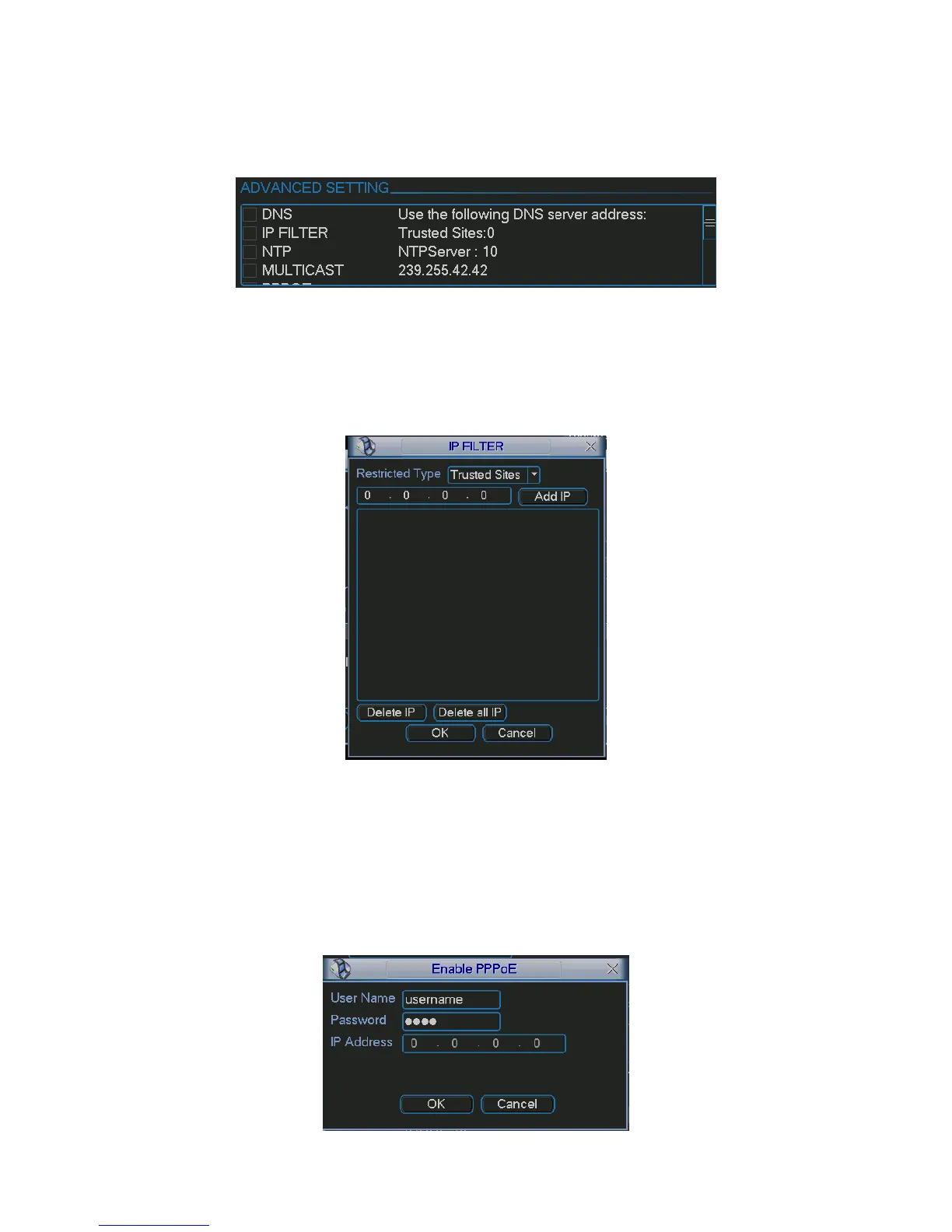
5.6.4.1 Advanced Setup
Advanced setup interface is shown as in
277HFigure 5-22. Please draw a circle to enable
corresponding function and then double click current item to go to setup interface.
Figure 5-22
5.6.4.2 IP Filter
IP filter interface is shown as in
278HFigure 5-23. You can add IP in the following list.
Please note after you enabled this function, only the IP listed below can access current device.
If you disable this function, all IP addresses can access current device.
Figure 5-23
5.6.4.3 PPPoE
PPPoE interface is shown as in
279HFigure 5-24.
Input “PPPoE name” and “PPPoE password” you get from your ISP (Internet service provider).
Click OK button, you need to restart to activate your configuration.
After rebooting, device will connect to internet automatically. The IP in the PPPoE is the device
dynamic value. You can access this IP to visit the unit.



 To Next Page