61
Parameter Function
IP address,
port, remote
channel.
Please input remote device IP address, port number, remote device channel
number and account.
User, password Please input account to login the remote device.
IP search Please click the search IP button to search the all remote devices available
Remote device
information
Here you can view remote device name, Mac address, IP address and TCP port.
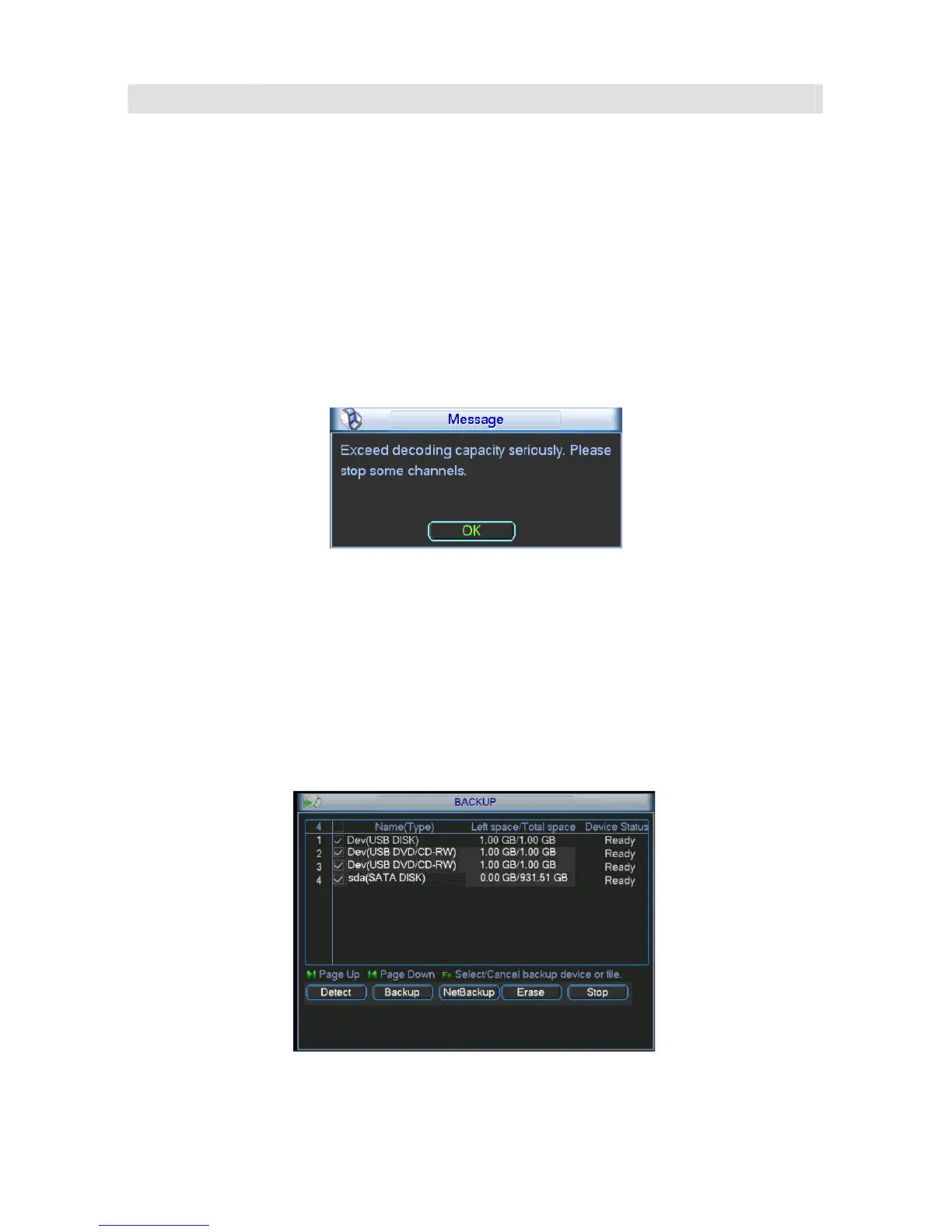
Please note for the 16-ch device, the system max supports 4 high definition devices. You can
see the following dialogue box if the remote device configuration exceeds the local device
max setup. See
299HFigure 5-45. You need to stop some channels since it already exceeds the
device decoding capacity.
Figure 5-44
5.8 Backup
Device support USB device backup and network download. Here we introduce USB backup
and eSATA backup.
5.8.1 Detect Device
Click backup button, you can see an interface is shown as in 300HFigure 5-45. Here is for you to
view devices information.
Figure 5-45



 To Next Page