65
6 Quick Configuration Tool
6.1 Overview
Quick configuration tool can search current IP address, modify IP address. At the same time, you
can use it to upgrade the device.
Please note the tool only applies to the IP addresses in the same segment.
6.2 Operation
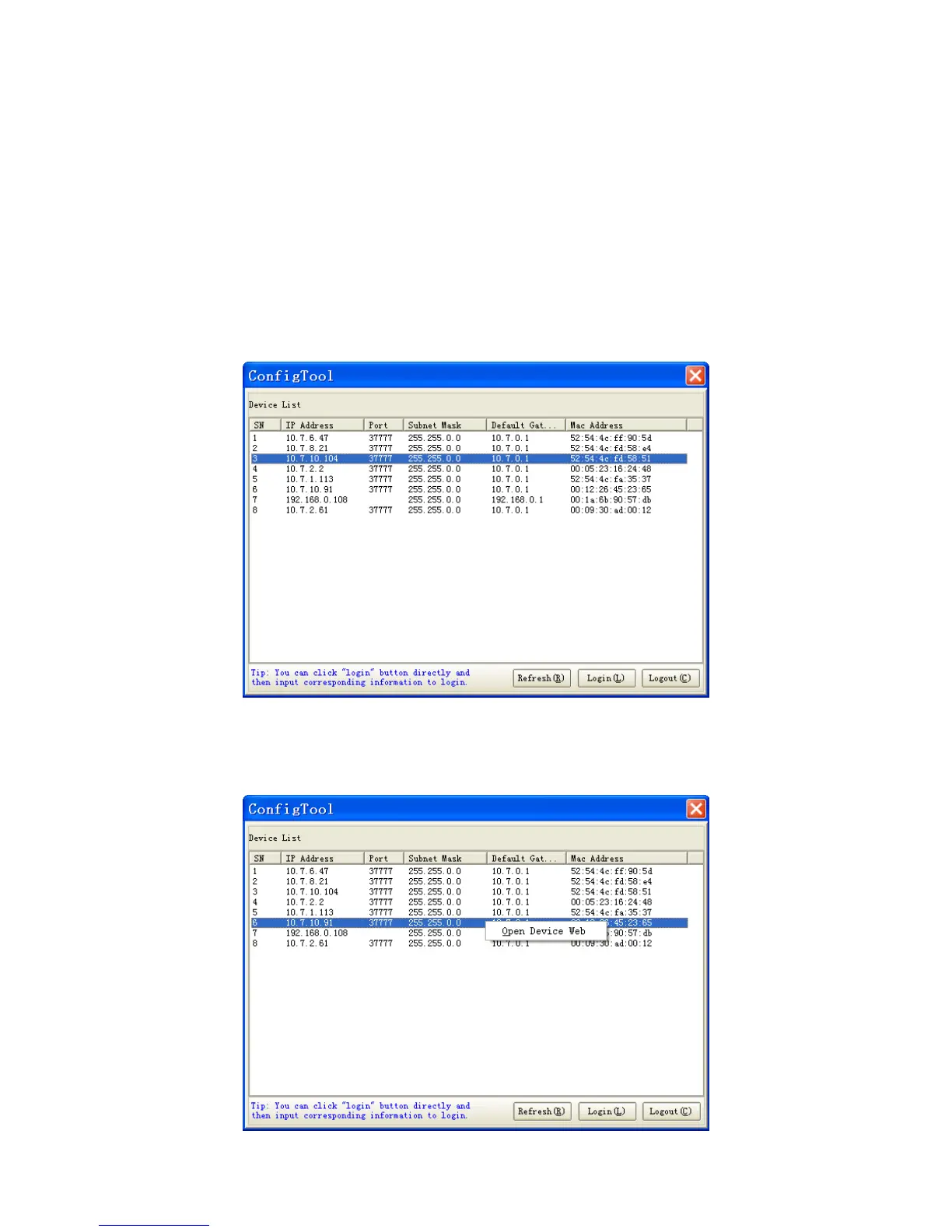
Double click the “ConfigTools.exe”icon, you can see an interface is shown as in 305HFigure 6-1.
In the device list interface, you can view device IP address, port number, subnet mask, default
gateway, MAC address and etc.
Figure 6-1
Select one IP address and then right click mouse, you can see an interface is shown as in
306HFigure
6-2.



 To Next Page