54
Parameter Function
Time display You can select to display time or not when system is playback.
Resolution
There are four options: 1280×1024(default),1280×720,1024×768,800×600.
Please note you need to reboot to activate current setup.
Enable tour You can highlight the box to activate tour function.
Interval Please input proper interval value here. The value ranges from 5 to 120
seconds.
1-16 Once you enable the tour function, you need to set the tour channels. System
supports 1/4/9/16 window(s) tour.
Alarm tour type
Right now, system supports 1-window tour when alarm occurs.
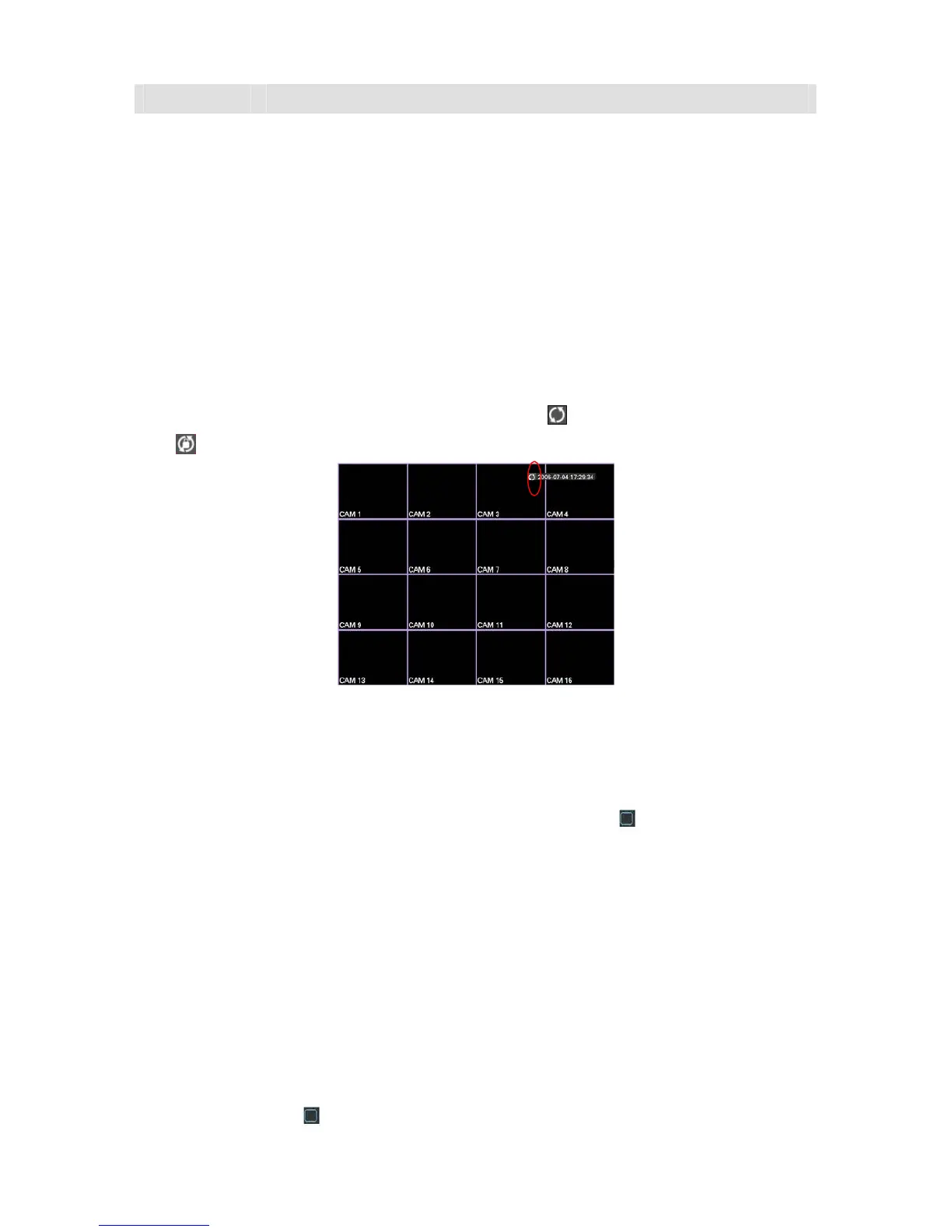
In tour mode, you can see the following interface. On the right corner, right click mouse or click
shift button, you can control the tour. There are two icons:
stands for enabling window switch
and
stands for enabling window function. See 288HFigure 5-33.
Figure 5-33
5.6.8 Default
Click default icon, system pops up a dialogue box. You can highlight to restore default factory
setup. See
289HFigure 5-34.
z Select all
z General
z Encode
z Schedule
z RS232
z Network
z Alarm
z Detect
z Pan/tilt/zoom
z Display
Please highlight icon
to select the corresponding function.



 To Next Page