23
Port Name Connection Function
shall be less than 1A.
Network port 10M/100M self-adaptive Ethernet port. Connect
to the network cable.
eSATA eSATA port The external SATA port. It can be connected to
the peripheral devices of SATA port.
Please pay attention to the HDD jumper when
you connect the HDD.
USB port. Connect to USB mouse.
RS232 232 debug COM. It is for general COM debug to configure IP
address or transfer transparent COM data.
HDMI High definition
multimedia
interface
VGA VGA video output
port
VGA VGA video output port. Output analog video
signal. It can connect to the monitor to view
analog video.
Power button Power on/off button.
2.3 Bidirectional talk
2.3.1 Device-end to PC-end
Device Connection
Please connect the speaker or the pickup to the first audio input port in the device rear panel. Then
connect the earphone or the sound box to the audio output port in the PC.
Login the Web and then enable the corresponding channel real-time monitor.
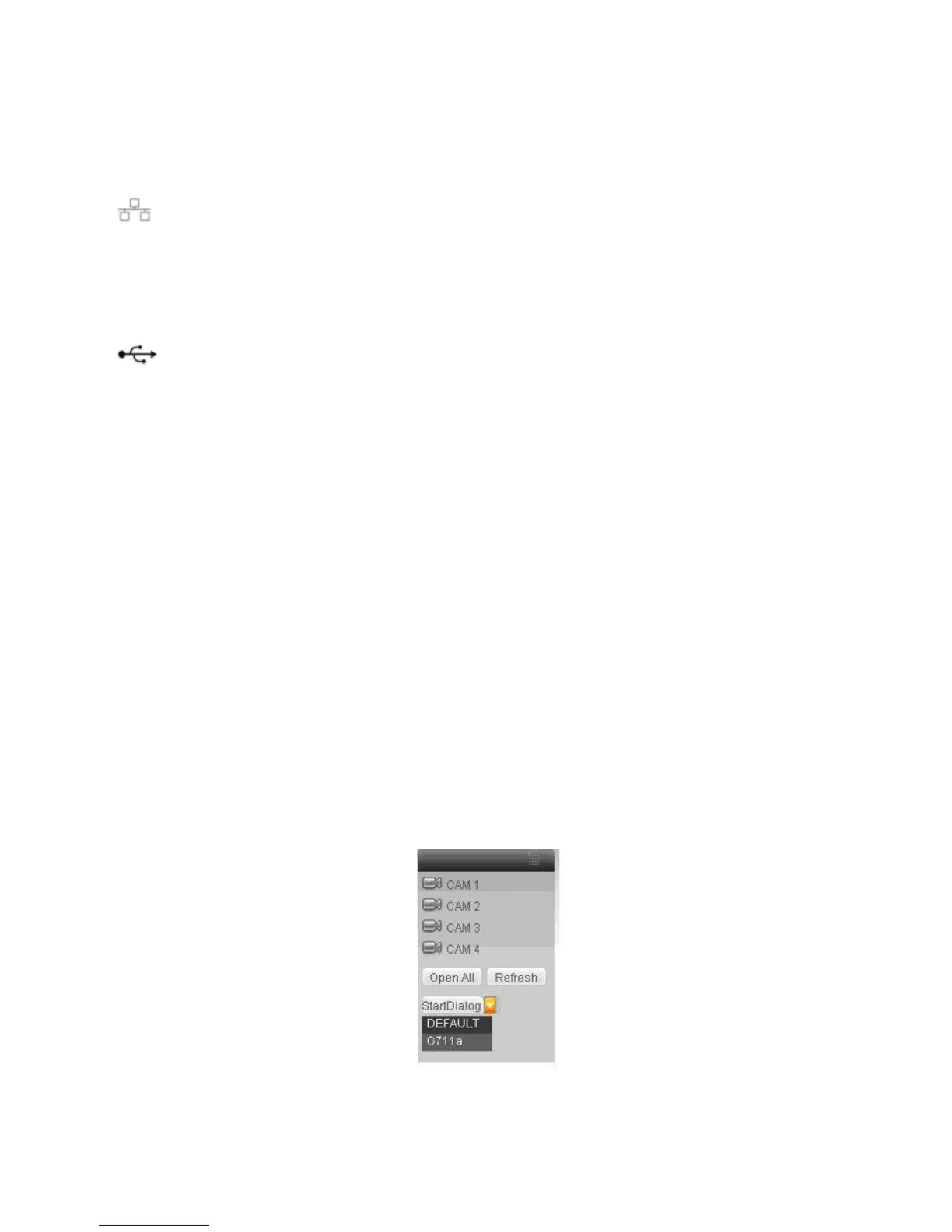
Please refer to the following interface to enable bidirectional talk.



 To Next Page