64
Upload time is network backup time while Time period is system record time.
5.9 Shutdown
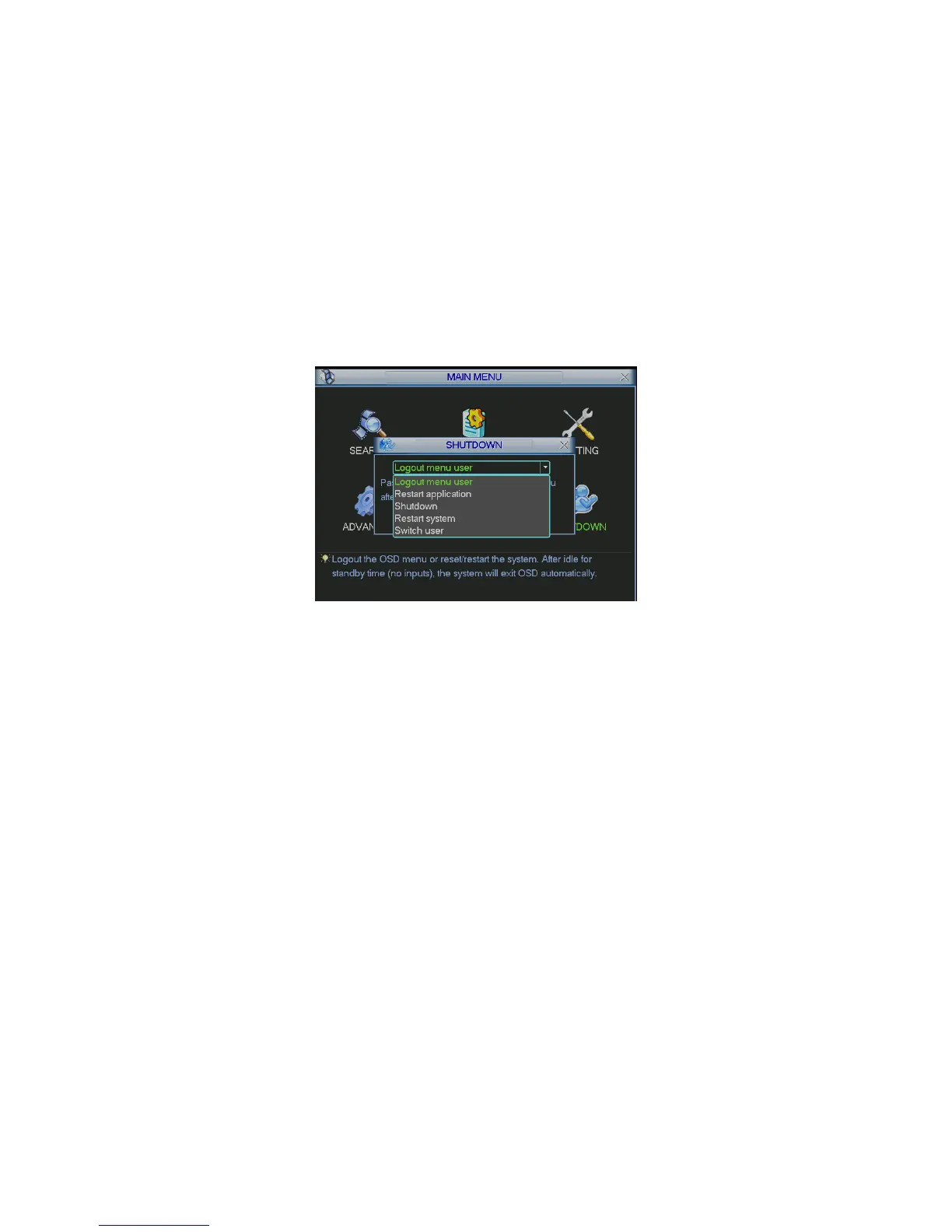
Double click shutdown button, system pops up a dialogue box for you to select. See 304HFigure 5-49.
z Logout menu user: log out menu. You need to input password when you login the next time.
z Restart application: reboot device.
z Shutdown: system shuts down and turns off power.
z Restart system: system begins rebooting.
z Switch user: you can use another account to login.
If you shut down the device, there is a process bar for your reference, system waits for 3
seconds and then shut down (You can not cancel).
Please note, sometimes you need to input the proper password to shut down the device.
Figure 5-49



 To Next Page