92
7.3.3.1 HDD Management
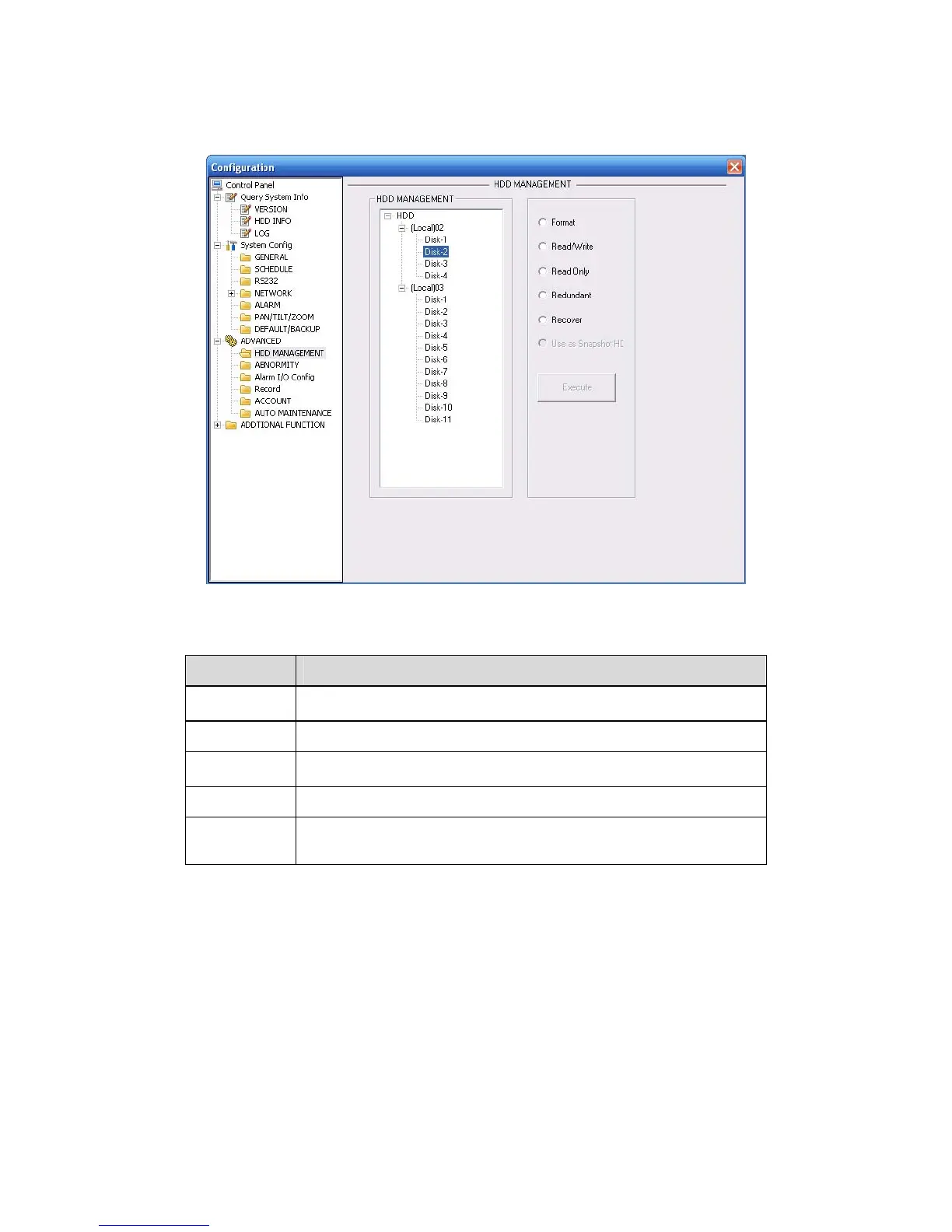
Please select the storage device first and then you can see the items on your right become valid.
You can check the corresponding item here. See
332HFigure 7-36.
Figure 7-36 HDD Management
Please refer to the following sheet for detailed information.
Parameter Function
Format Clear data in the HDD.
Read/write Set current HDD as read/write
Read only Set current HDD as read.
Redundant Set current HDD as redundant HHD.
Recover Fix the HDD error. Right now the device does not support this
function.
7.3.3.2 Alarm I/O
Here you can search alarm output status. See 333HFigure 7-37.



 To Next Page