75
7.2.6 Color and More Setup
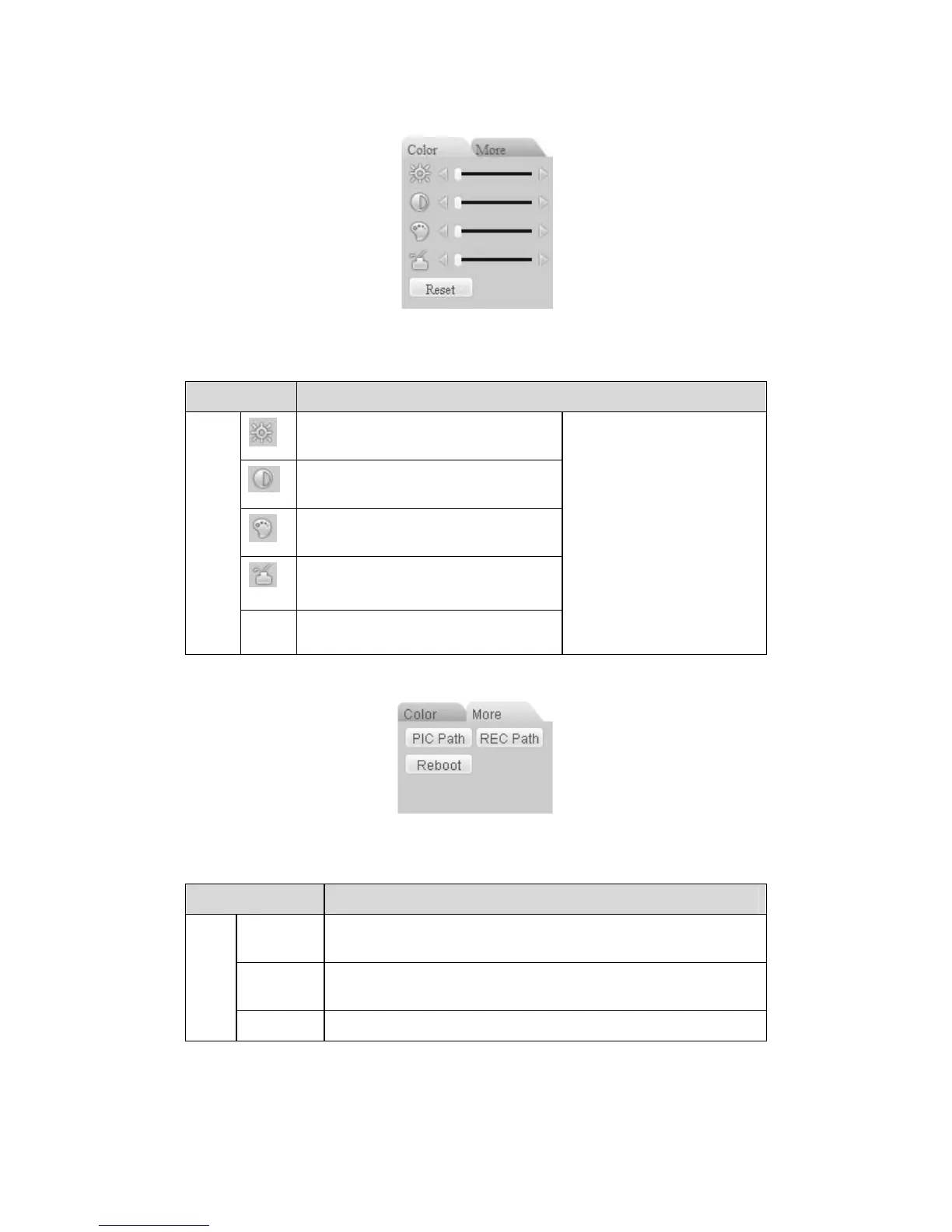
Color and other setup interface are shown as in 313HFigure 7-12.
Figure 7-12 Color
Please refer to the following sheet for detailed information.
Parameter Function
It is to adjust monitor video
brightness.
It is to adjust monitor video contrast
ness.
It is to adjust monitor video
saturation.
It is to adjust monitor video hue.
Video
setup
Reset Restore system default value.
Note:
All the operation here
applies to WEB end only.
Click more button, the interface is shown as in
314HFigure 7-13.
Figure 7-13 Color and More
Please refer to the following sheet for detailed information.
Parameter Function
Picture
Path
Click picture path button, system pops up an interface for you
to modify path.
Record
Path
Click record path button, system pops up an interface for you
to modify path.
More
Reboot Click this button to reboot device.
7.3 Configuration
7.3.1 System Information



 To Next Page