40
In playback mode, click this button to switch between various
fast play modes such as fast play 1, fast play 2 and more.
/
In playback mode, click play/pause button, slowly click this
button to view frame by frame, counter clock wise to view I
frame playback.
5.5 Information
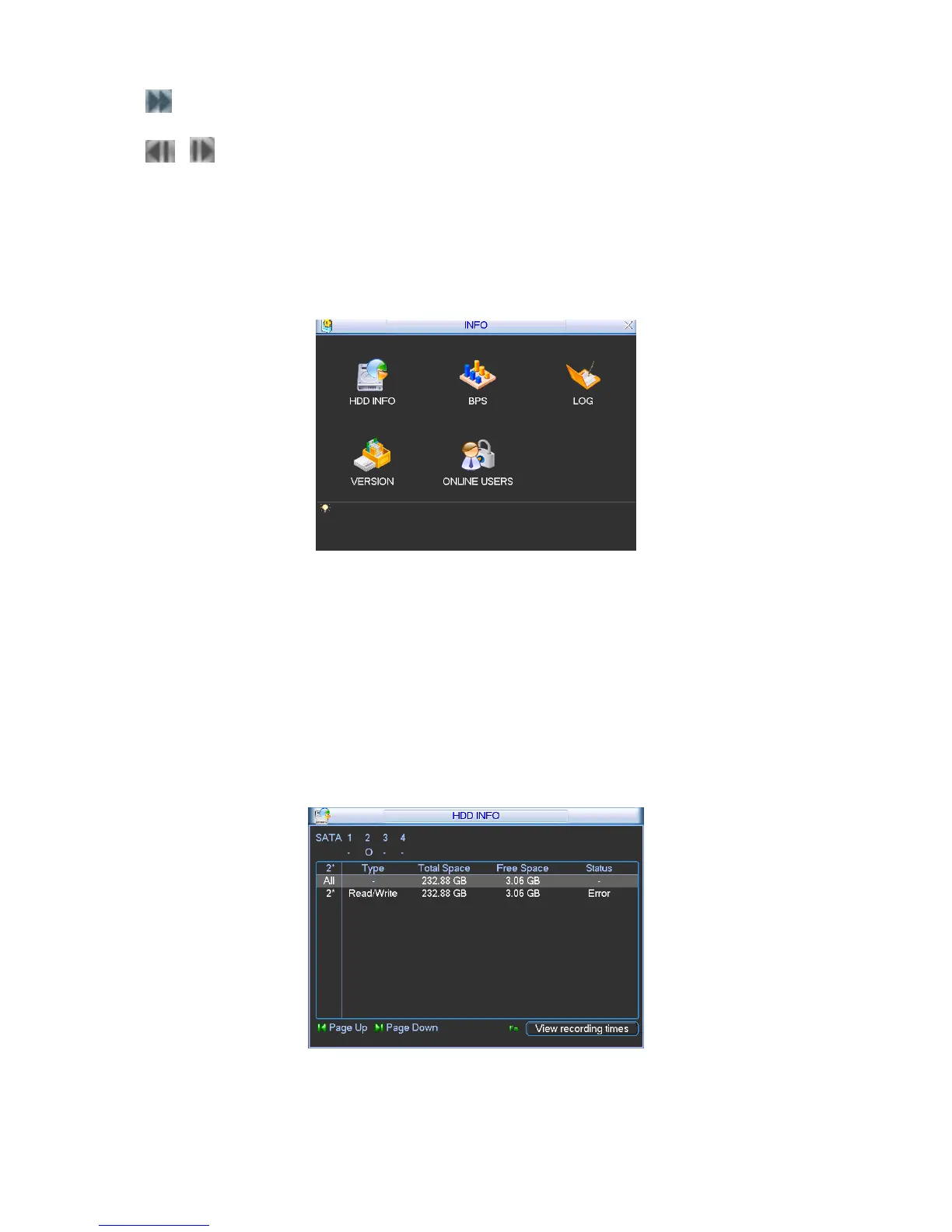
Here is for you to view system information. There are total five items: HDD (hard disk
information), BPS (data stream statistics), Log and version, and online user. See
260HFigure 5-7.
Figure 5-7
5.5.1 HDD Information
Here is to list hard disk type, total space, free space, and status. See 261HFigure 5-8.
For A series product there are max 2 HDDs. For L series product there are max 4 HDDs. For S
series product there are max 8 HDDs.
○ means current HDD is normal.. - means there is no HDD.
If disk is damaged, system shows as “?”. Please remove the broken hard disk before you add a
new one.
Figure 5-8
In
262HFigure 5-8, click view record d time button, HDD record time information interface is shown as
in
263HFigure 5-9.



 To Next Page