16
Icon Name Function
indication light IR signal from the remote control.
Status
System running status
indication light
The light becomes red when system is running
properly.
PWR
Power status
indication light
The light becomes red when the power connection is
OK.
IR
IR remote control
receive port
It is to receive the IR signal from the remote control.
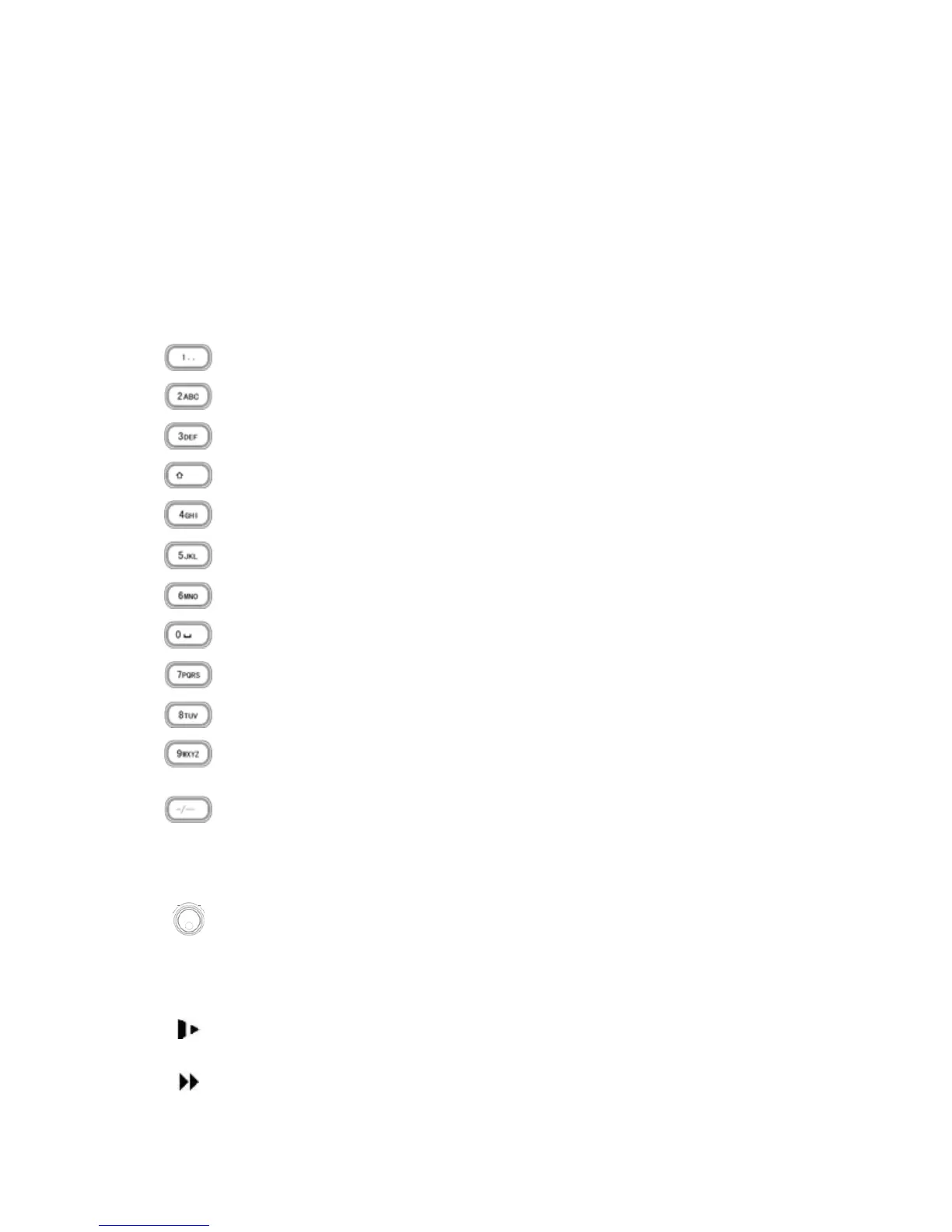
Number 0 to 9.
Input number or switch the channel.
For number more than
10
When you channel number is more than 9, please
click this button and then input the number you
desire.
Shuttle(outer ring)
In real-time monitor mode it works as left/right directio
key.
Playback mode, counter clockwise to forward and
clock wise to backward
Jog(inner dial)
Up/down direction key.
Playback mode, turn the inner dial to realized frame
frame playback. (Only applies to some versions.)
Slow play/8
Multiple slow play speeds or normal playback.
In text mode, input number 8 (English character
T/U/V).
Fast play/7
Various fast speeds and normal playback.



 To Next Page