30
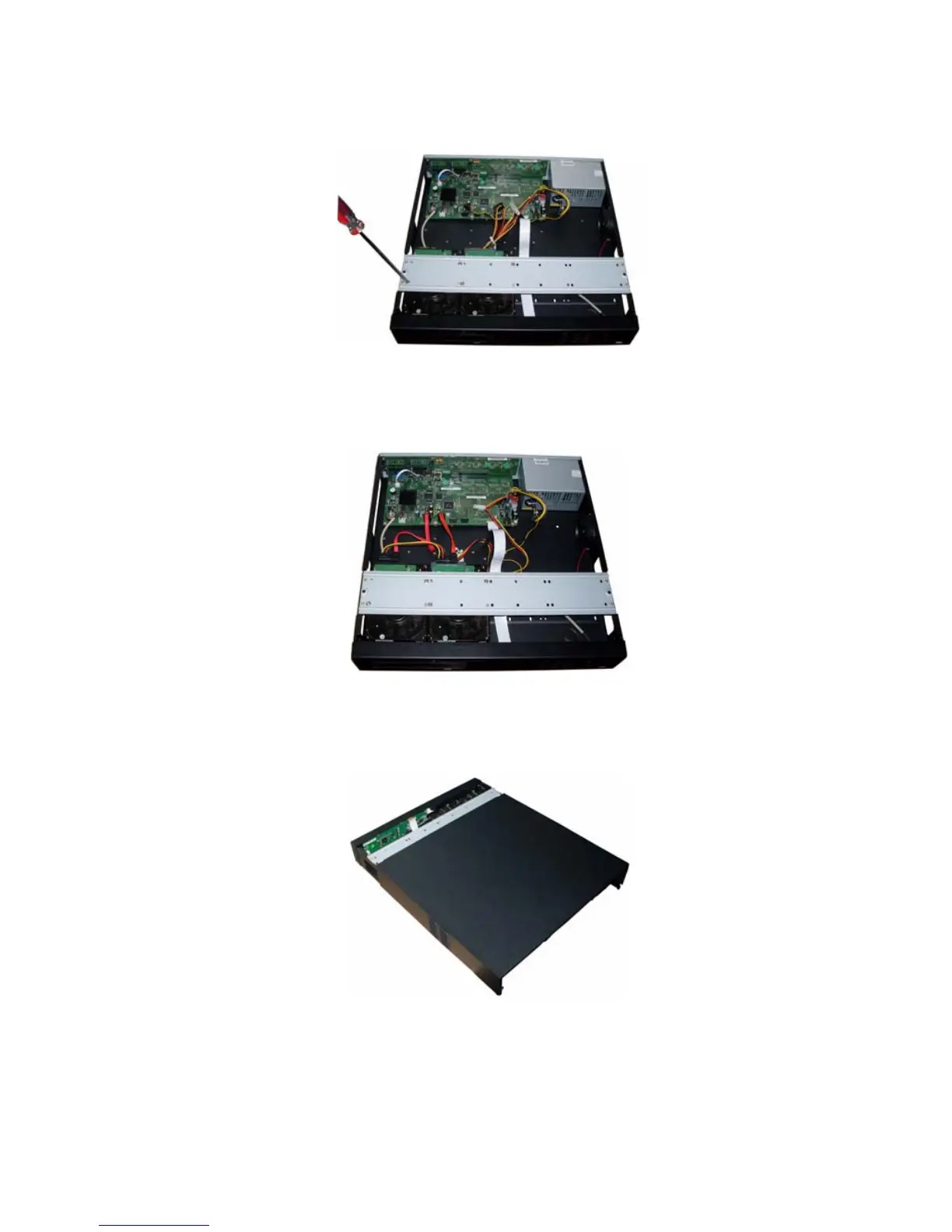
screwdriver to secure the HDD in the HDD bracket. See
244HFigure 3-7.
Figure 3-7
Connect the HDD data cable to the main board and HDD port respectively. Loosen the power cable in
the chassis and then connect the power cable to the other port of the HDD. See
245HFigure 3-8.
Figure 3-8
After you fix the HDD, please connect the data cable to the main board first and then connect the power
cable to the main board. See
246HFigure 3-9.
Figure 3-9
Please put the cover back and then fix the screws in the rear panel and the side panel. See
247HFigure 3-10.



 To Next Page