71
Parameter Function
CAM 1 to CAM
16
channel 1 to channel 16
Open all /close
all
Click this button to open all video channels.
Once all video channels are open, it becomes close all button.
Start dialogue
You can click this button and then select the corresponding
audio compression mode (default/G.711a) to enable/disable
bidirectional talk function.
Local play Click local play button to select file to play in PC.
Refresh Click this button to refresh monitor channel name.
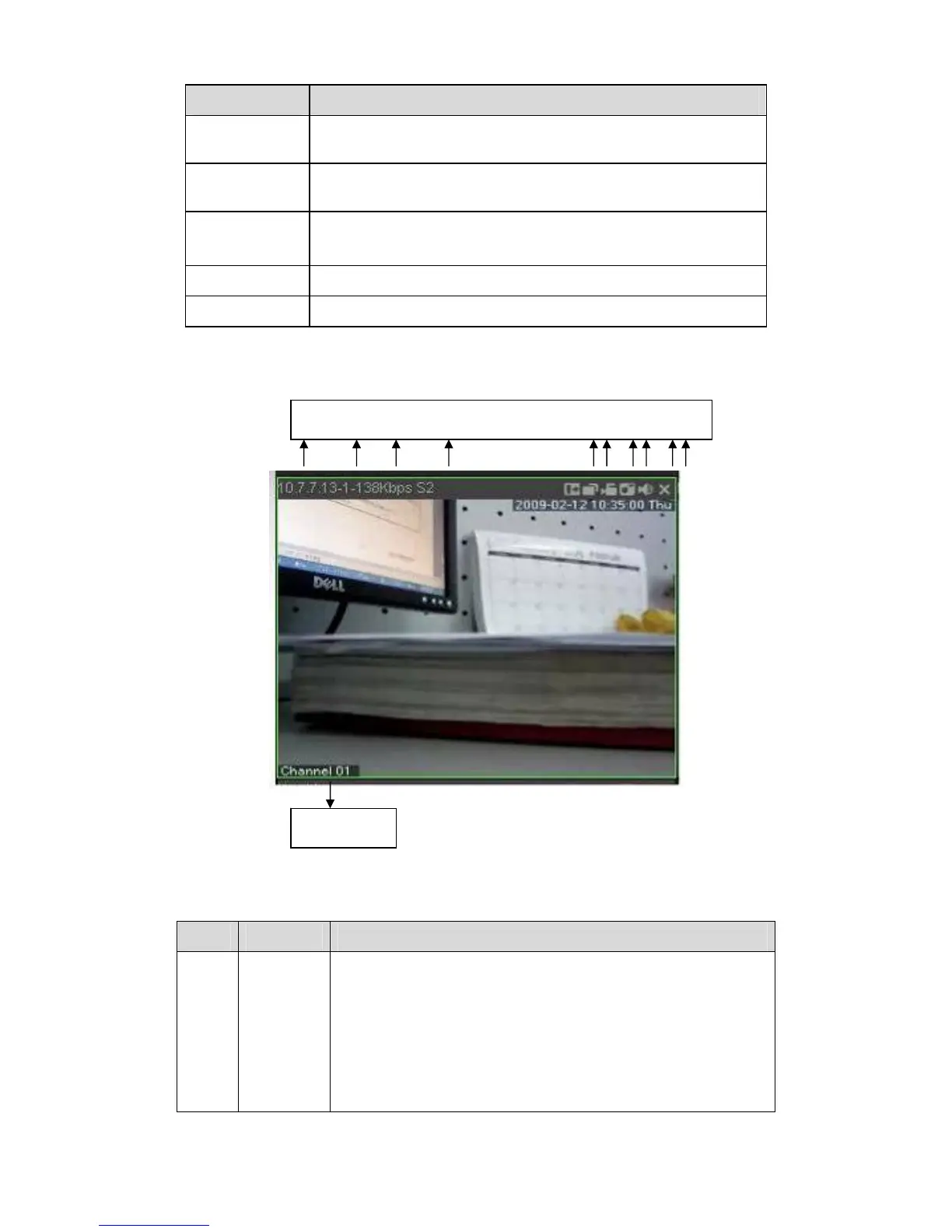
Please left click one monitor to view real-time video, the monitor window is shown as in
312HFigure
7-6.
Figure 7-6 Real-time Monitor
Please refer to the following sheet for monitor window parameter information.
SN Parameter Function
1-4 Display
device
information
z 1: NVR IP address.
z 2: Channel number.
z 3: Bit stream.
z 4: Bit stream decode type.
¾ S1: Overlay.
¾ S2: Off stream.
¾ S3:GD1
¾ H1: Overlay
¾ H2: off stream decoding from the display card.
1 2 3 4 5 6 7 8 910
11



 To Next Page