73
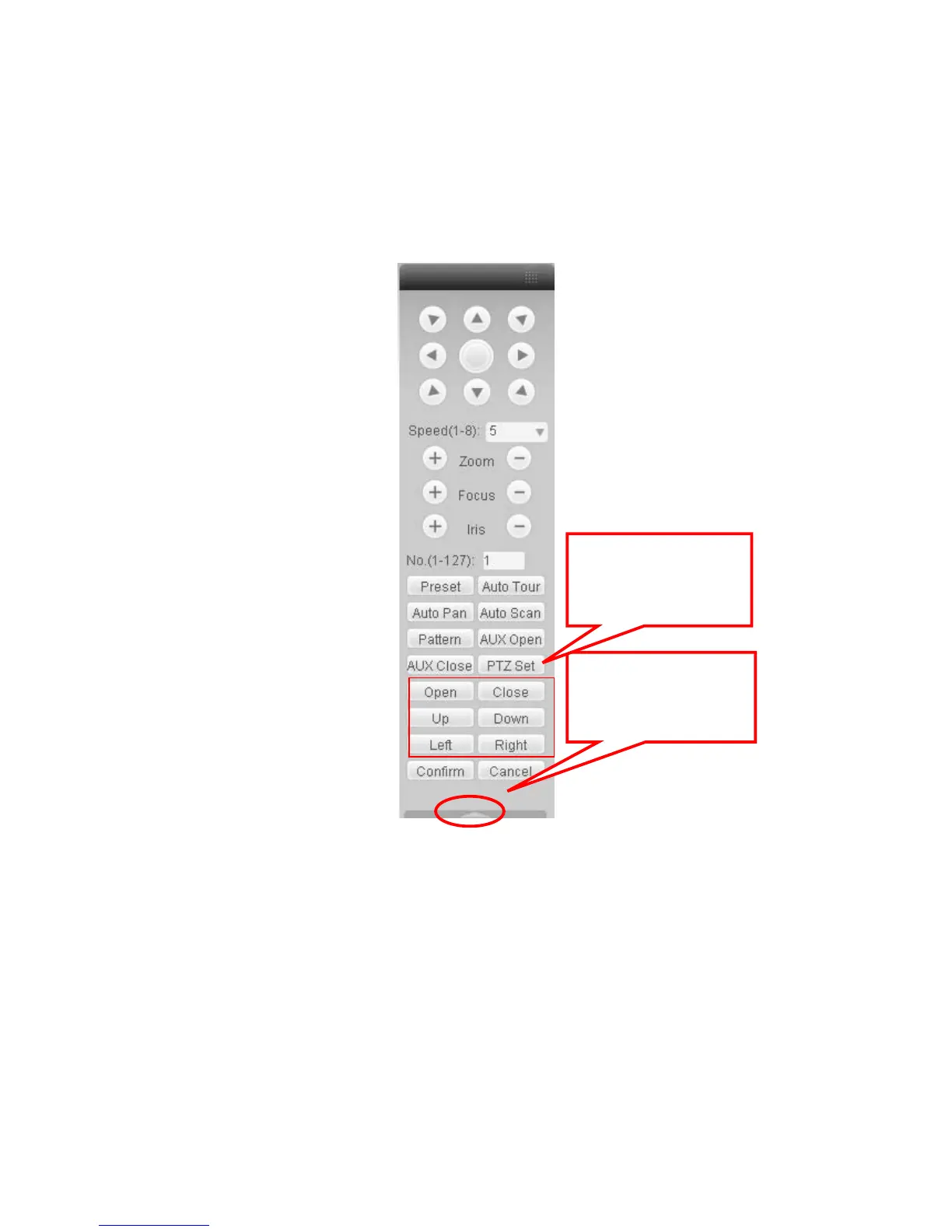
Here you can view direction keys, speed, zoom, focus, iris, preset, tour, pan, scan, pattern, aux
close, and PTZ setup button.
Please note: open menu/close menu/up/down/left/right/confirm/cancel buttons are for speed
dome only.
z PTZ direction: PTZ supports eight directions: left/right/up/down/upper left/upper right/bottom
left/bottom right.
z Speed: The step 8 speed is faster than step 1.
Figure 7-10 PTZ Interface
Click PTZ set button, the interface is shown as in Figure 7-11.
You can click this icon to
display or hide the PTZ
control platform.
These six buttons are for
speed dome only.



 To Next Page