78
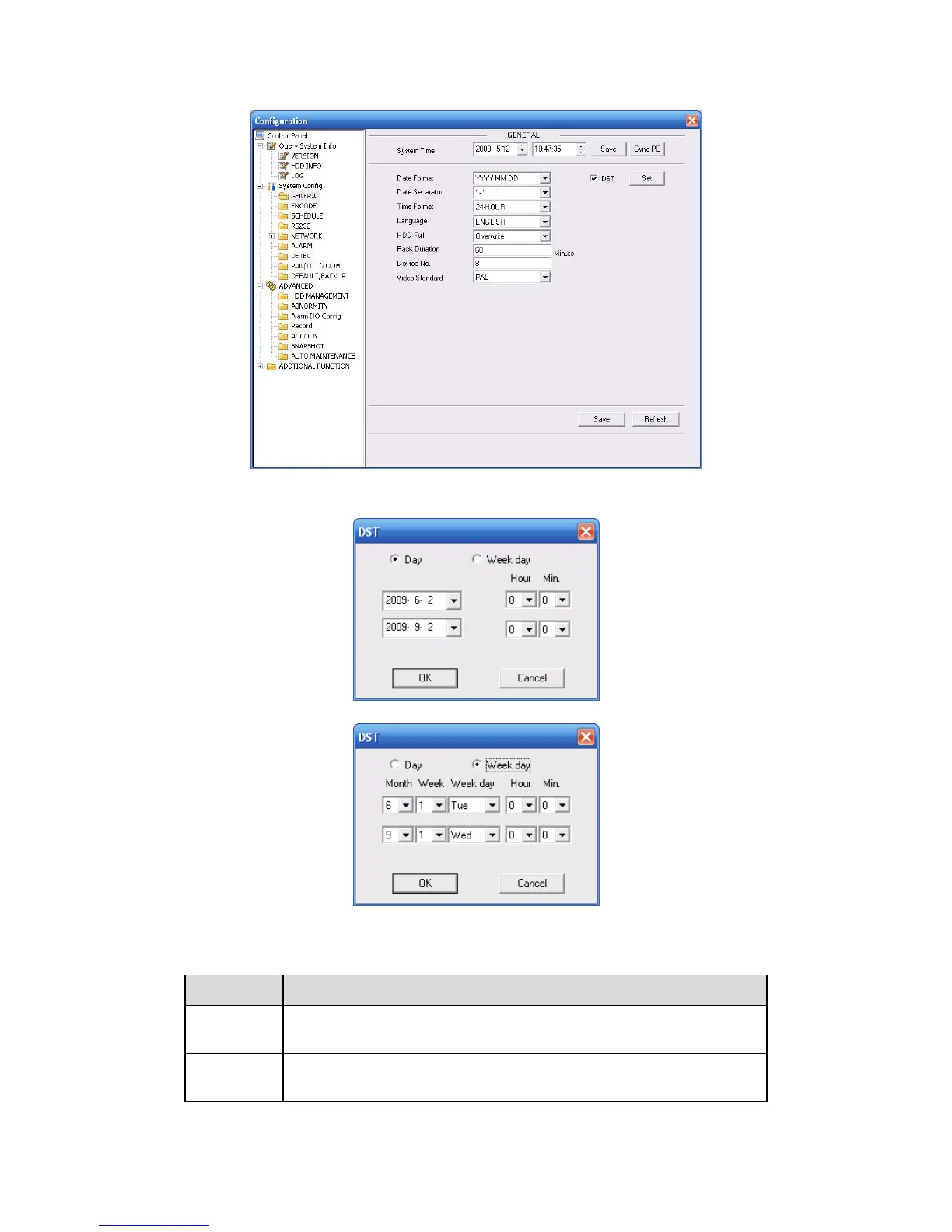
Here you can set system time, record length, video format and etc. See
319HFigure 7-18.
Figure 7-18 General Setup
Figure 7-19 DST
Figure 7-20 DST
Please refer to the following sheet for detailed information.
Parameter Function
System
Time
Here is for you to modify system time. Please click Save button after
your completed modification
Sync PC You can click this button to save the system time as your PC current
time.



 To Next Page