New2001
64
9
SET MODES
1
2
3
4
5
6
7
8
9
10
11
12
13
14
15
16
17
18
19
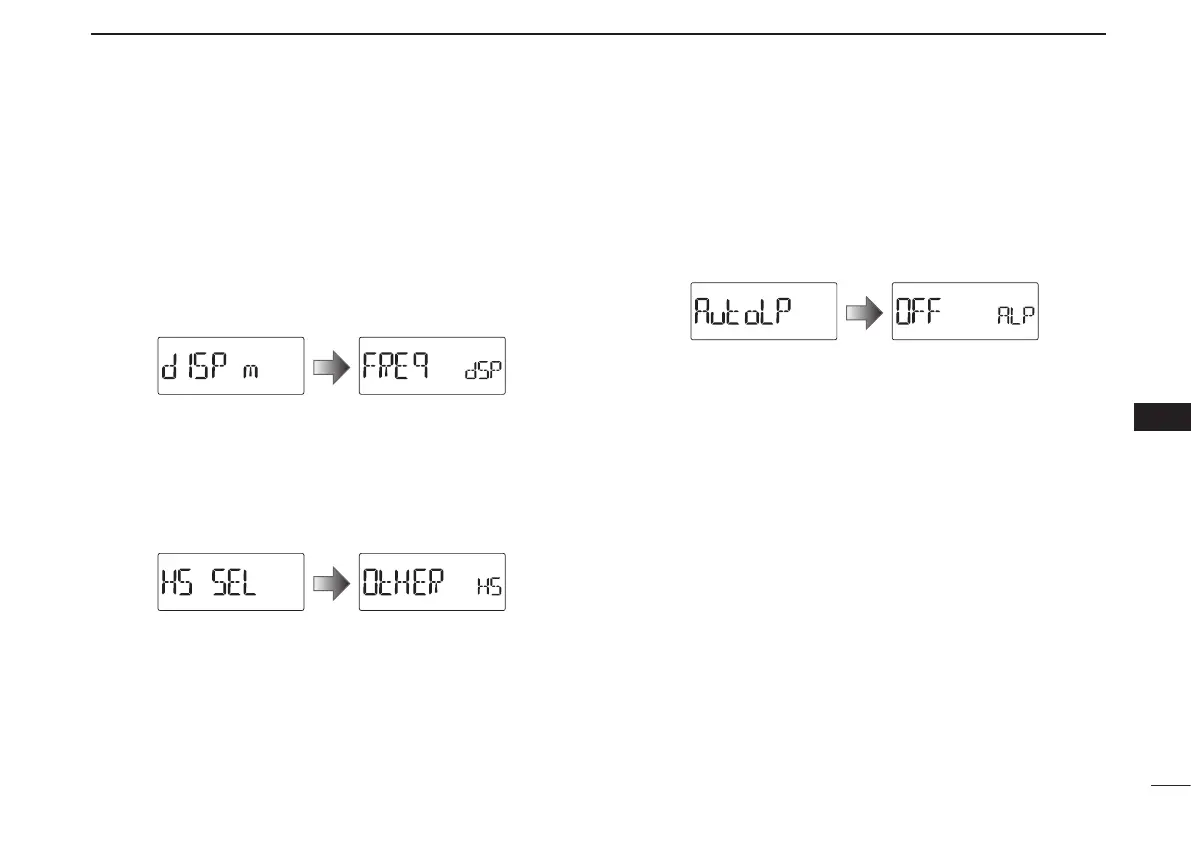
D Display type (DISP M)
Selects the display type for memory mode operation.
(default: FREq)
•FREq :Displaystheprogrammedfrequency.
•CH :
Displays the memory channel number. Operable func-
tions, configurable items in the Set mode, and select-
able modes will be restricted.
•PRIV :
Displays the memory channel number. Operable chan-
nel, functions and selectable mode are restricted.
D Headset selection (HS SEL)
Selects the connected headset type between the HS-95 and
other.
When using an optional headset HS-95, this setting must be
set to “HS-95.”
(default: OtHER)
D Auto low power (AUTOLP)
Turns the auto low power function ON or OFF.
When the temperature goes below 0°C (+32°F), the function
automatically sets the output power to low.
In that case, the transmit power selections (High/Mid) are
also disabled. (default: OFF)



 To Next Page