16
1.4 Display and Buttons
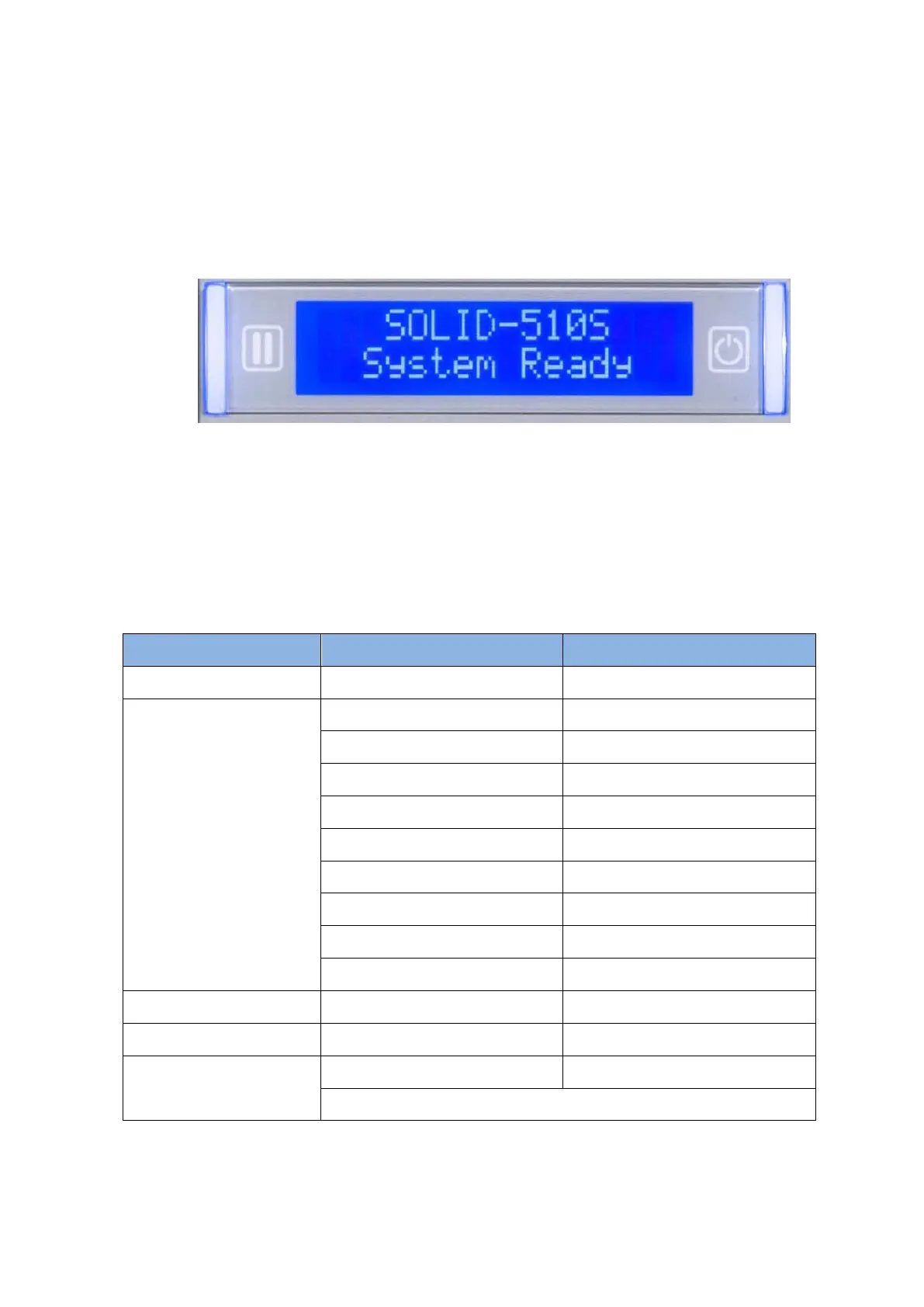
Control panel of Printer consists of 2 lines LCD and 2 buttons. The 2 buttons have the functions
as shown in the Figure 8.
Figure 8 SOLID-510 Display and Buttons
The status of SOLID-510 is ‘Initializing’ when boot up. It is changed to ‘System Ready’ if the
printer is fine. It is change to ‘Printing’ when the printer is working. In case of sensing an error,
it is changed to ‘Error’ status. Whenever the top cover is opened, the operation is stopped and
the status is ‘Top Cover Open’.
The functions of the button under each status are as below table.
Sleep (Hold on 5 seconds)
Laminating Film Type/ Balance
Initializing (When Sleep Mode)
Cleaning Mode (when both buttons are pushed)



 To Next Page