50
(5) Laminator Basic Setup
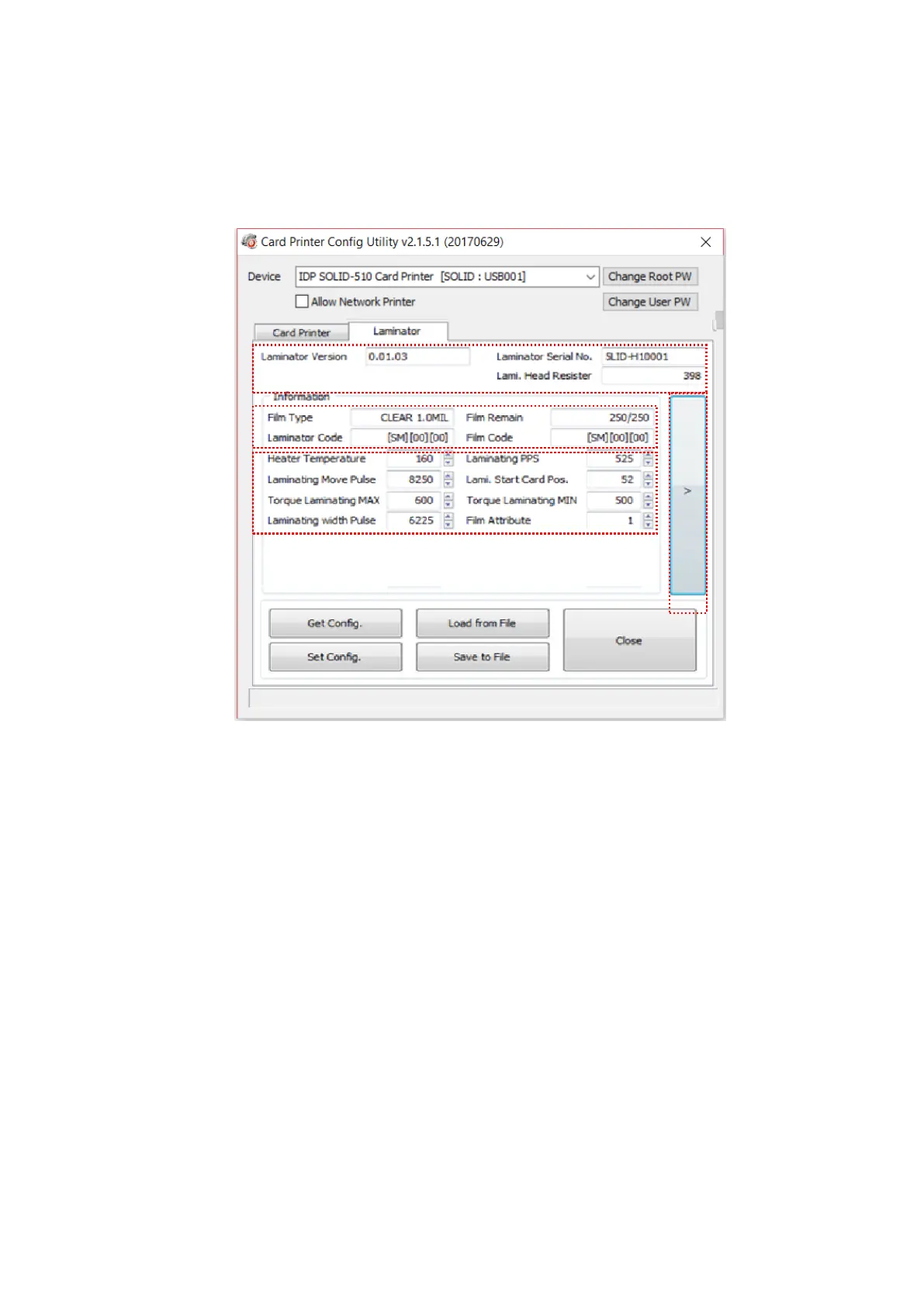
This ‘Laminator’ tab is shown when the laminator option is installed.
Figure 70 CardPrinterConfig – Laminator Basic Setup
① It shows the information of installed laminator such as firm-ware version, serial
number.
② The fields show laminator film’s type, balance, code and laminator code.
Film Type : It shows installed film’s type and vendor code.
Film Remain : It shows installed film’s total number and balance.
Laminator Code : It shows Laminator’s code, vendor and local code.
Film Code : It shows installed film code, vendor and local code.
③ You can change the values according to the installed film type.
Heater Temperature : It is for laminating temperature.



 To Next Page