Partial : Partial print mode. It is printed
partially for the print area only. Printing
speed can be faster than standard mode.
Dither : There are 3 possible selections,
Threshold, Random, and Diffusion Dither.
It is performed with K and KO ribbon only.
(Please select “Diffusion Dither” for high
quality.)
Ribbon Save :
K ribbon Split : You can set the both
sides (Front:YMCO, Back:K) to save color
ribbon(YMCKO, HYMCKO, BYMCKO). It is
only activated while printing both sides
option is set.
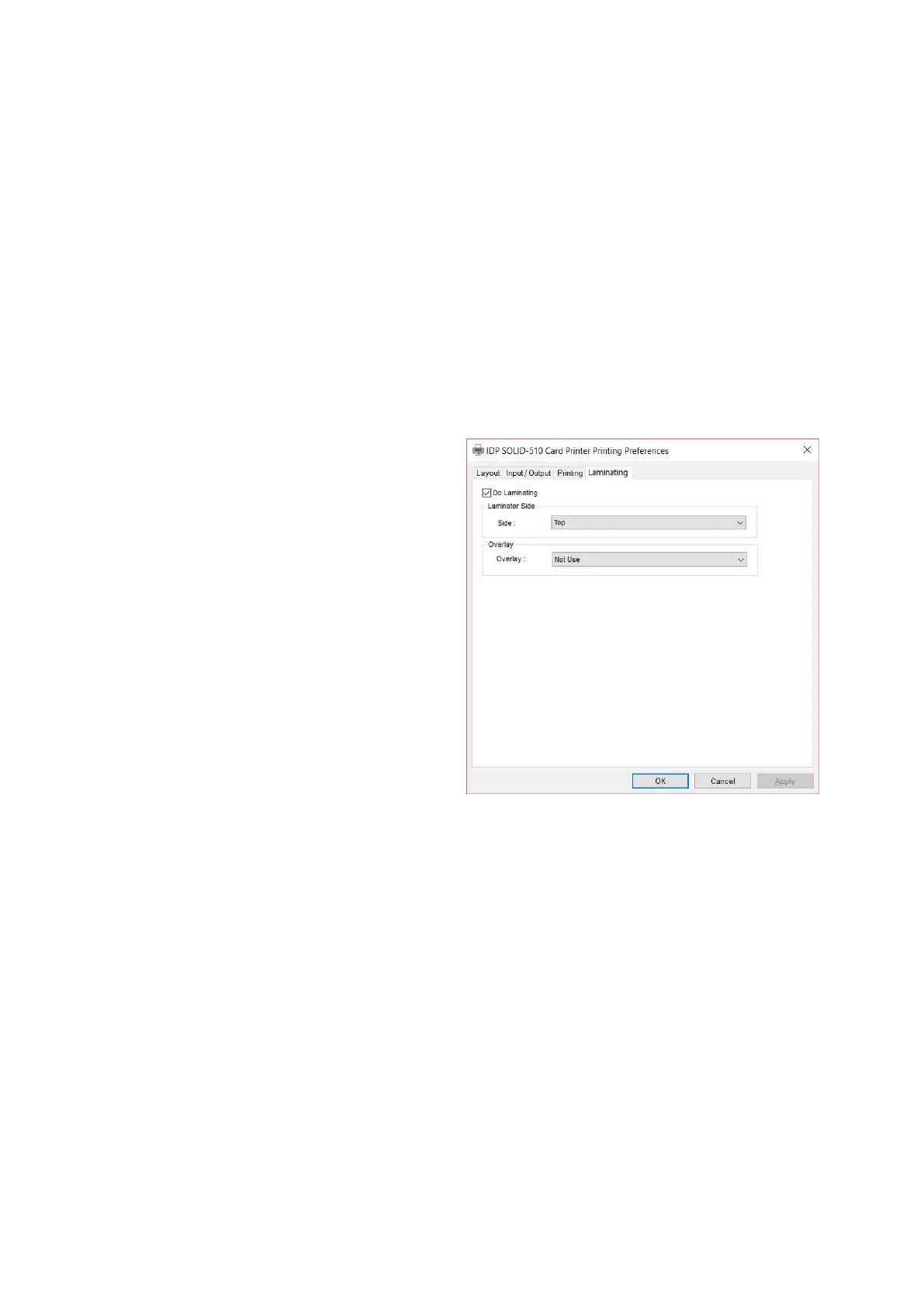
(5) Laminating
This tap will be shown only when SOLID-
510L printer is connected to PC.
To set Laminator printing options.
Do Laminating : You can select
laminating or not
Laminator Side : You can select not use,
top side, bottom side and both sides
printing
Overlay : You can select whether overlay
prints or not.
Default setting is no overlay when
laminating and we recommend to use the
default value.



 To Next Page