84
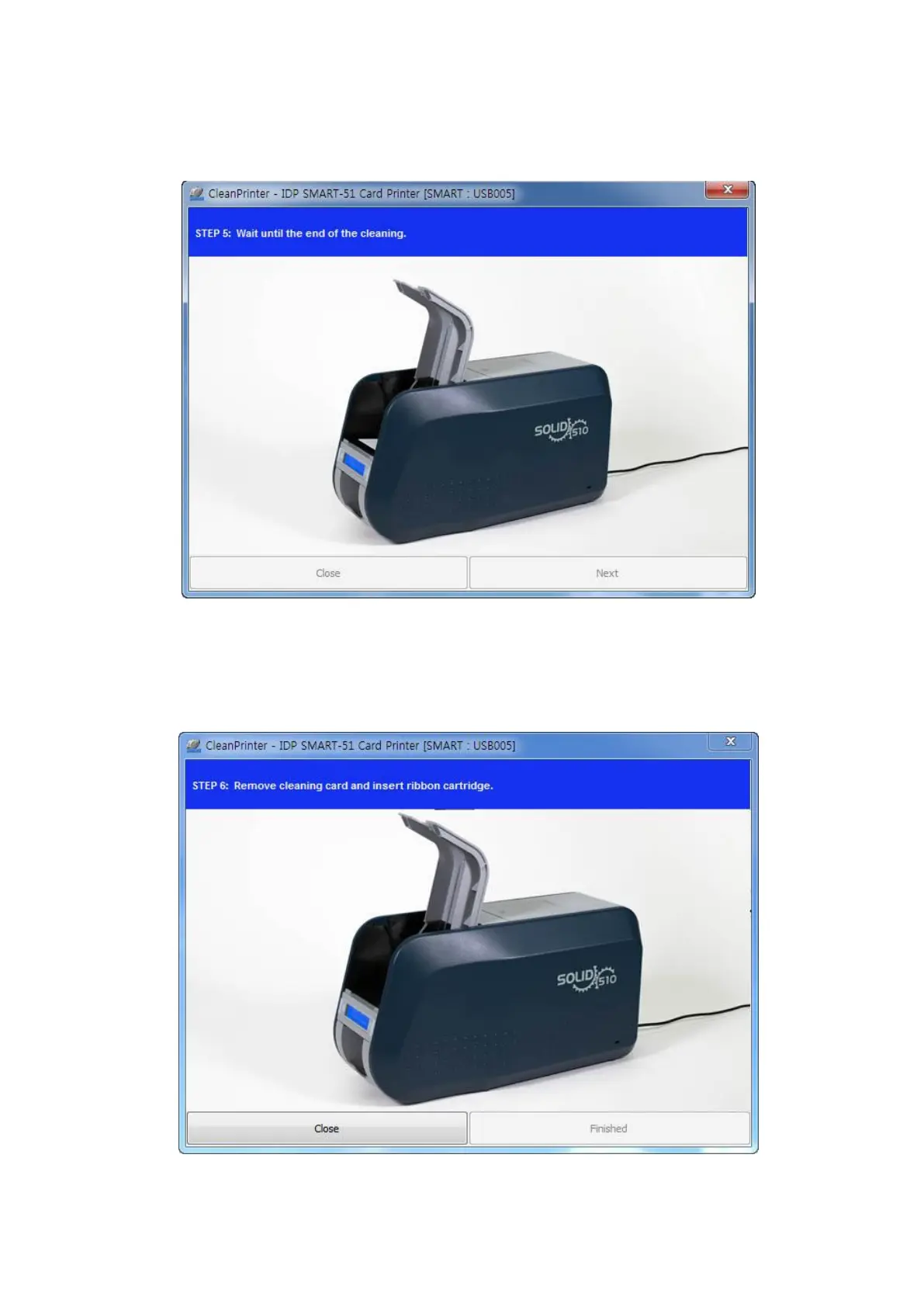
Step 5. Wait until the cleaning is completed. When the cleaning is completed, the
exclusive long cleaning card will be ejected automatically as the picture.
Figure 110 Printer cleaning Step 5
Step 6. Remove the exclusive long cleaning card and install ribbon cartridge into the
printer.
Figure 111 Printer cleaning Step 6



 To Next Page