39
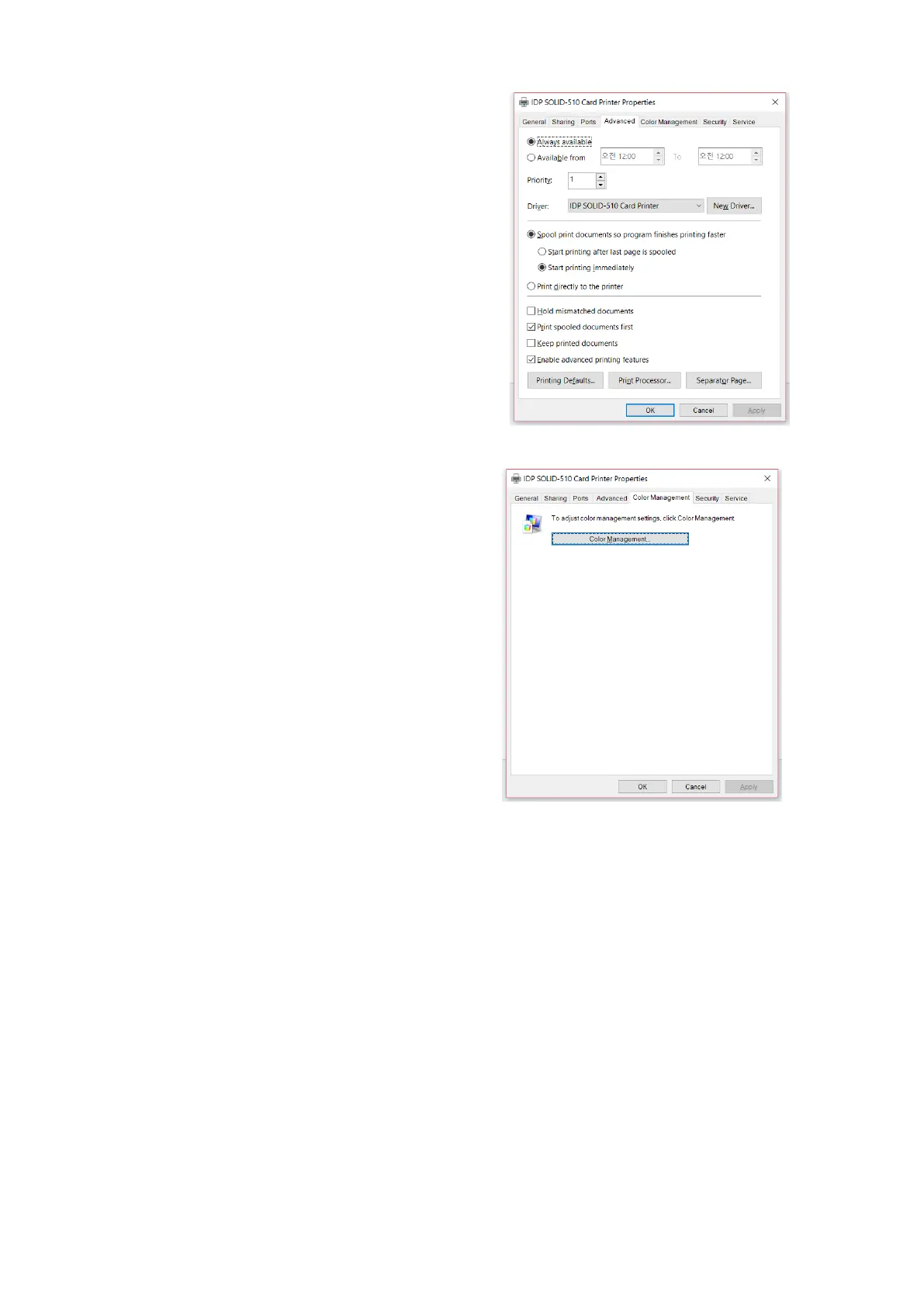
(3) Advanced
It is available for Working Time setting,
Priority order, Spool print etc. in
“Advanced” tab. “Advanced” setting follows
MS Windows standard. If you want to
change the setting, please refer to the
Window manual.
(It is recommended to maintain default.)
(4) Color Management
In “Color management” tab, you can select
color management profile fit to the printer.
SOLID-510 uses color profile to express
optimal color. The driver selects color
profile automatically to fit each ribbon.
(It is recommended to maintain default.)
Figure 59 Color Management



 To Next Page