58
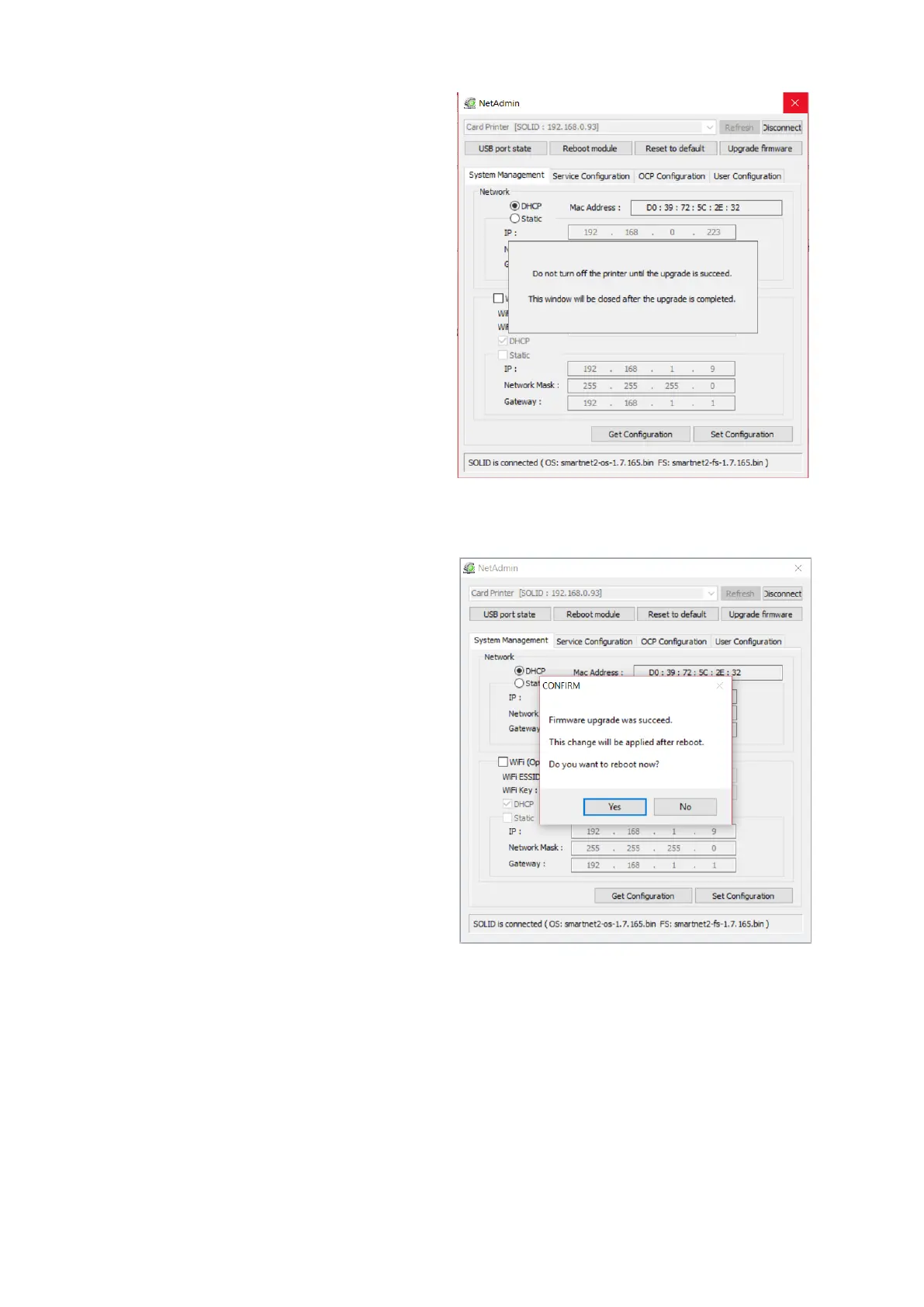
Warning box will be shown during
firmware upgrade for network module.
It is recommended not to do other work
during firmware upgrade for system
reliability.
Please do not turn off a printer until the
upgrade is completed.
Figure 82 Upgrading the firmware 2
When firmware upgrade is completed,
pop-up comes out for reboot. Please
click “Yes”.
It takes 1 minute to reboot.
Please click “Refresh” after reboot.
When proper printer shown, please
connect printer by clicking “Connect”.
Figure 83 Upgrading the firmware 3



 To Next Page