45
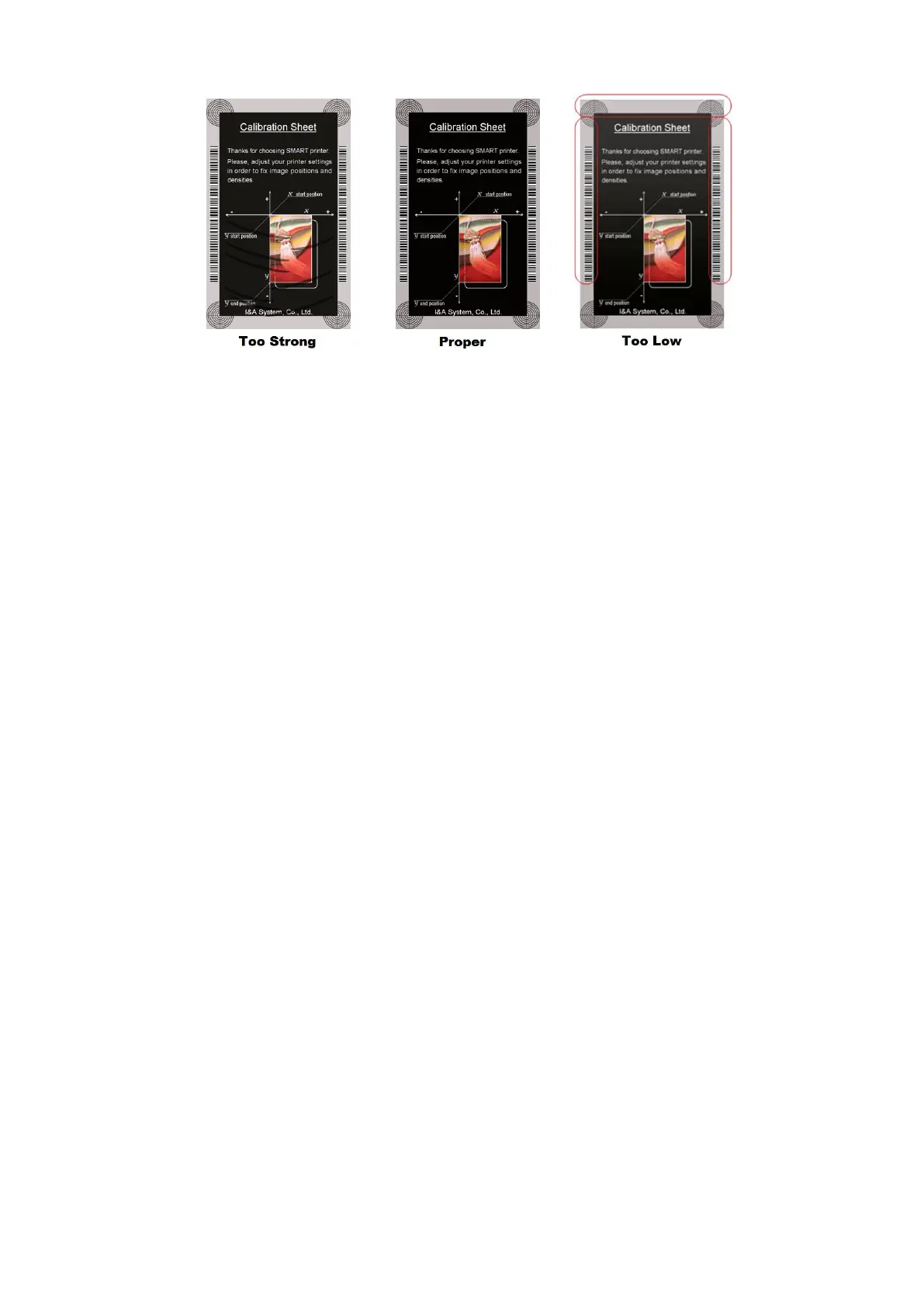
Figure 67 Overlay density
⑧ To print calibration card.
⑨ To show advanced Setup.
(It is recommended not to set advanced setup.)
⑩ To load or save values.
Get Config.: to get values from current printer
Set Config. : to set values to current printer
Load from File: to load values from file
Save to File : to save values to file
Load Default : to load default. Please adjust values again after load default.
Close : to close CardPrinterConfig



 To Next Page