35
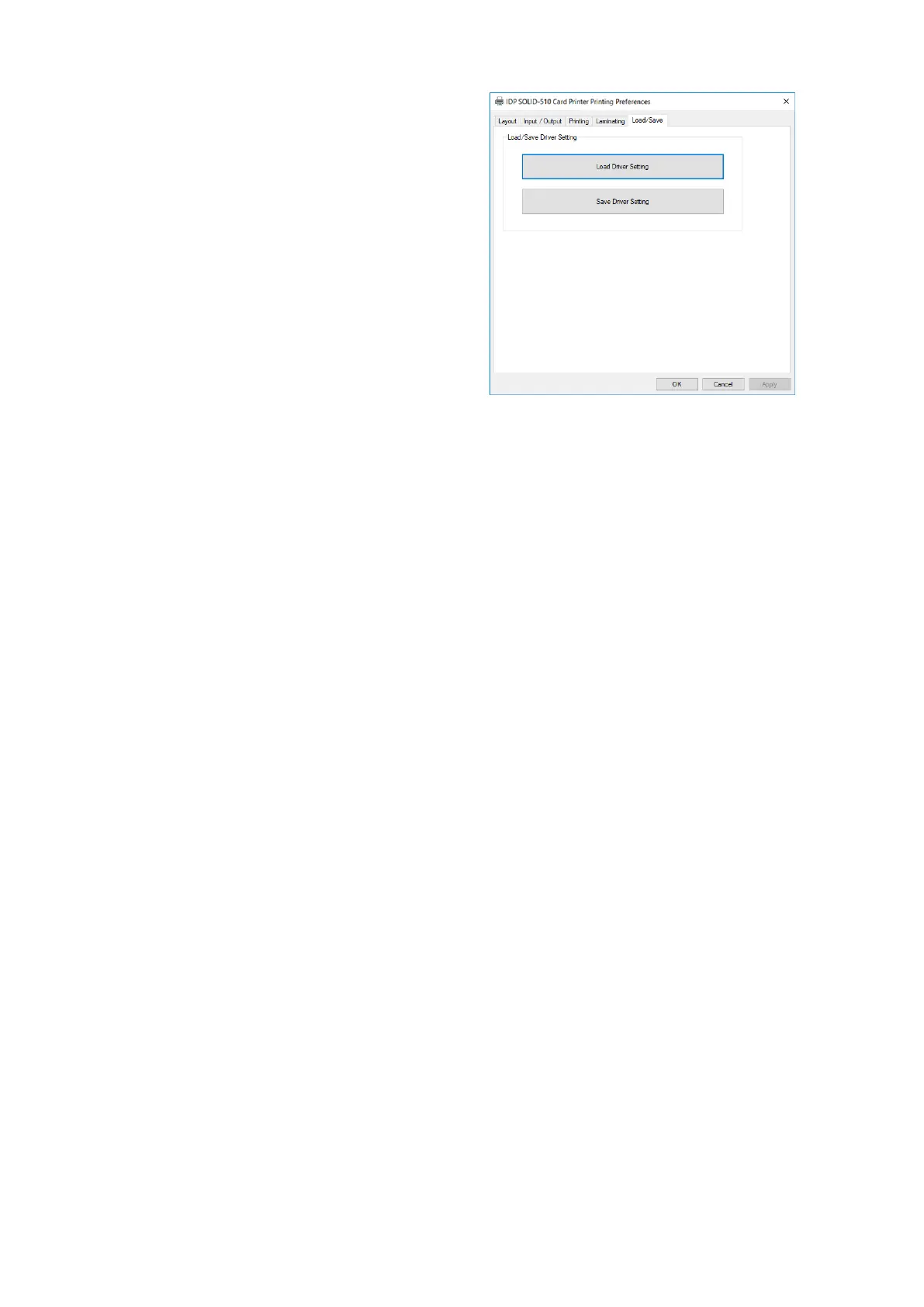
(8) Load/Save Option
Load Driver Setting : Load the saved
driver configuration file
Save Driver Setting : Save the current
driver configuration to the file
Figure 55 Load/Save Option
3.2. Advanced Options
To change the detailed configuration, In the ‘Layout’ tab shown, Please click
“Advanced…” shown on the bottom of the ‘Layout’ tab of the ‘Preferences’.
Print Quality : To the print quality(DPI). You can select one among 300 x 300 dpi, 300 x
600 dpi and 300 x1200 dpi.
- 300 x 300 dpi : Supported the Color & Mono printing
- 300 x 600 dpi : Supported the Mono printing only.
- 300 x 1200 dpi : Supported the Mono printing only.
Default is 300 x 300 dpi.
Reset Default Values: Reset to default.



 To Next Page