116
HDK-99 1803 VER1 (E)
6.3 Initializing the Settings of this Product
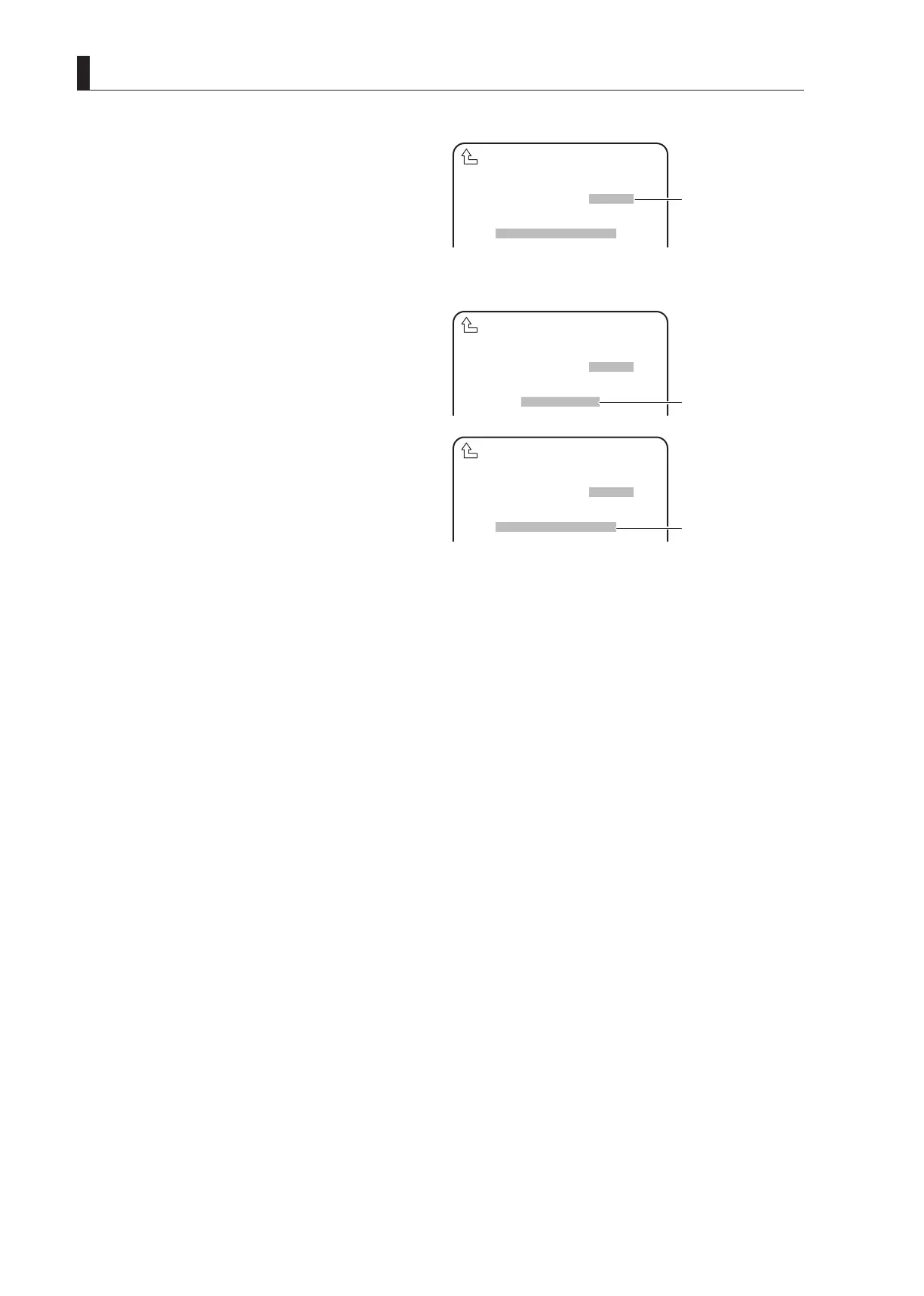
5 Turn the rotary pulse switch to select the set value,
and press the SET button.
The value is conrmed.
- Selecting "CANCEL" cancels the setting and
terminates "PRESET FILE LOAD".
- Selecting "START" displays "PUSH SET -> START"
at the bottom of the screen.
Go to Step 6 when selecting "START".
6 Press the SET button.
Initialization starts.
When the le load is completed, "COMPLETED"
appears on the screen. Then, "CAMERA RESTART"
blinks for about three seconds. After that, the camera
restarts and the initialization is completed with the le
selected in "FILE SELECT".
FILE SELECT ENGINEER
LOAD START START
PUSH SET→START
PRESET FILE LOAD
▲
⑤
Select the set value and
confirm.
- Selecting "START"
displays a message at
the bottom of the
FILE SELECT ENGINEER
LOAD START START
COMPLETED
PRESET FILE LOAD
▲
FILE SELECT ENGINEER
LOAD START START
CAMERA RESTART
PRESET FILE LOAD
▲
⑥
"COMPLETED" is
displayed at the bottom
of the screen.
⑥
"CAMERA RESTART"
is displayed at the
bottom of the screen.



 To Next Page