57
HDK-99 1803 VER1 (E)
4
OPERATION
4.1 Operating Procedures
4.1 Operating Procedures
This chapter explains how to operate this product..
■
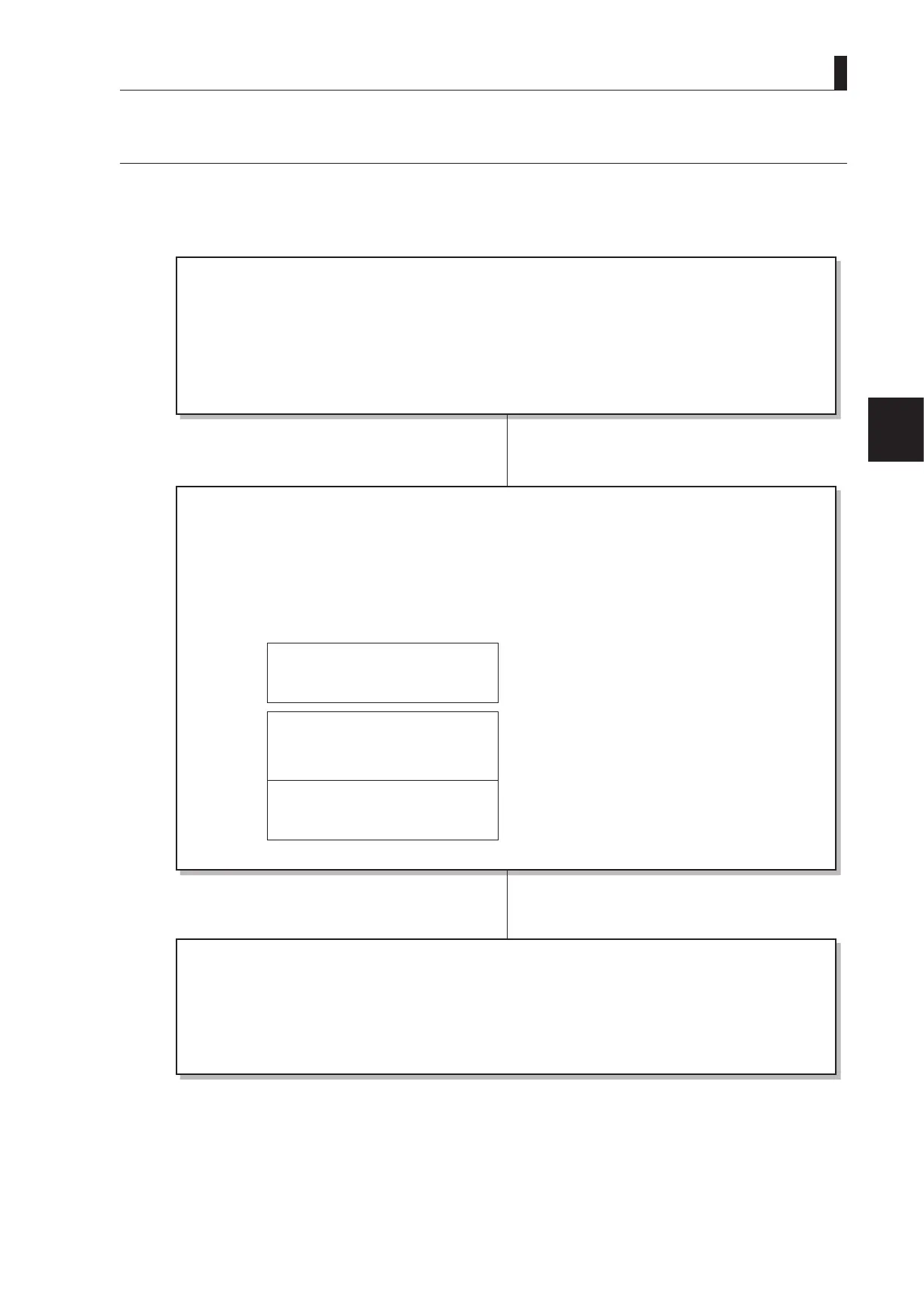
Initial Operation Check
――――――――――――――
When you use the camera for the rst time after purchase, ensure that it works properly.
◆
4.2 Switch Position Check ...................................(P58)
◆
4.3 Turning ON Power
.......................................... (P60)
◆
4.5 Output Signal Check
...................................... (P63)
- Color-Bar Signal Check
- Test Pulse Check (CAL Signal)
- Check by Use of External Chart
■
Preparation Before Shooting
―――――――――――――――――
◆
4.4 Viewfinder Adjustment ................................... (P62)
- Diopter Adjustment and Screen Adjustment
- Display Mode Check
◆
4.5 Output Signal Check ...................................... (P63)
- Color-Bar Signal Check
- Test Pulse Check (CAL Signal)
- Check by Use of External Chart
◆
4.6 Auto Setup...................................................... (P65)
<Pattern 1>
1 LEVEL Auto Setup
2 Black Shading
<Pattern 2>
1 Auto Black Balance (ABB)
2 Auto White Balance (AWB)
<Pattern 3>
1 Black Shading
2 Auto White Balance (AWB)
(Execute one of the above patterns.)
■
Shooting Settings and Adjustment
――――――――――――――――――――
Make IRIS and pedestal adjustments and various function settings according to the environment in which the
camera is used.
◆
Camera menu settings
Refer to
"5. CAMERA SETTINGS and ADJUSTMENT" (P73)
◆
CCU menu settings
Refer to the operation manual accompanying the CCU-980 or other base station to be used.



 To Next Page