70
HDK-99 1803 VER1 (E)
4.6 Auto Setup
Auto Black Shading
This section explains how to activate auto black shading.
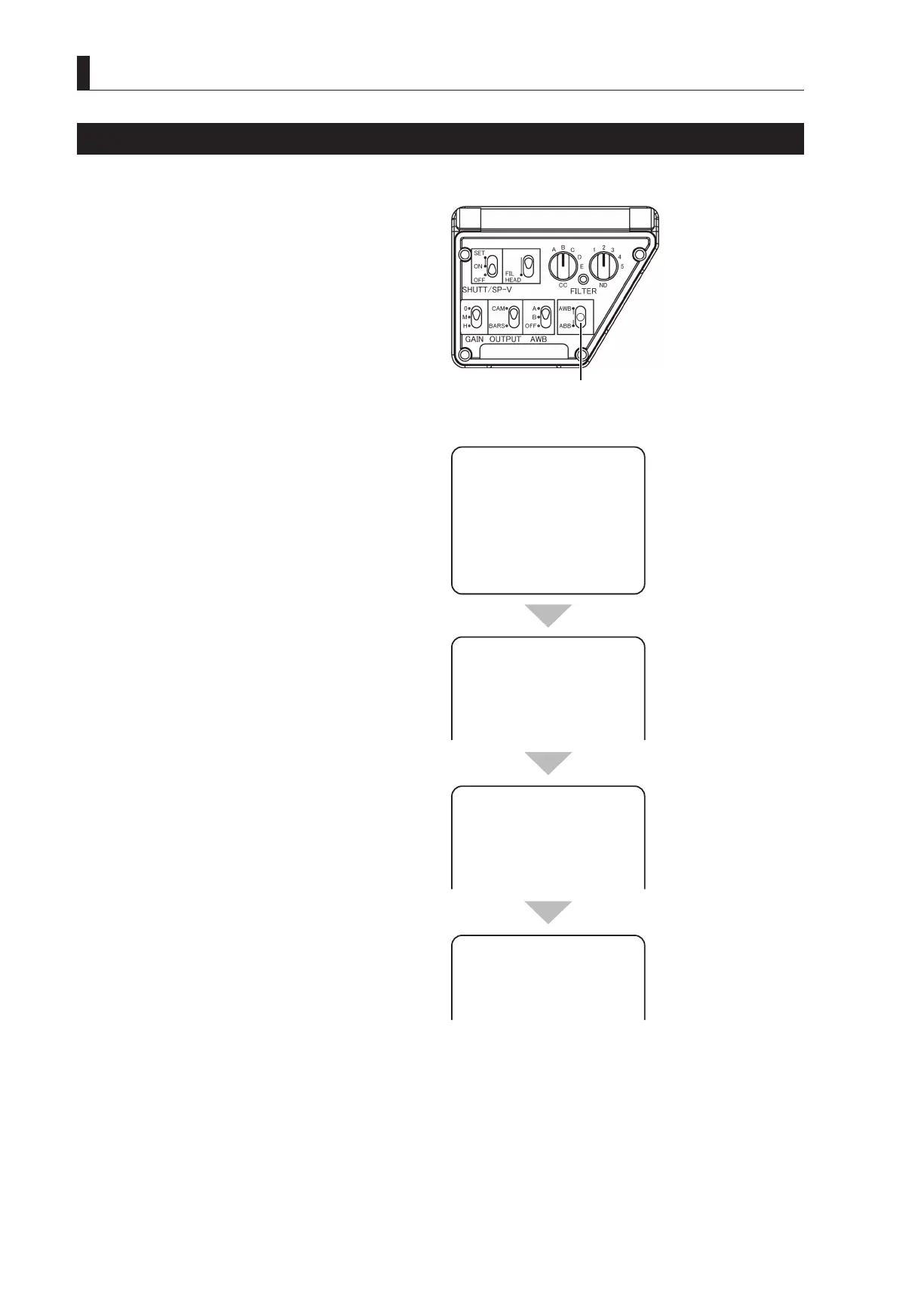
1 Set the AWB/ABB switch to ABB and hold it in this
position.
The lens iris is automatically closed, and auto black
balance is activated. After completion of auto black
balance, black shading starts automatically. You may
release your nger from the AWB/ABB switch when
the viewnder screen display changes to "A.BLK
SHADE BLACK SHADE".
2 Check the result.
Upon completion of auto black shading, "OK" or "NG"
appears on the viewnder screen.
Note:
- If auto black balance results in "NG", auto black
shading is discontinued.
- To discontinue auto black shading, set the AWB/ABB
switch to ABB again before the result is displayed.
The adjusted setting is cleared, returning to the
former status before auto black shading.
① Set the AWB/ABB switch
to ABB and hold it in this
A.BLKSHADE
BLACKPEAKSHADE
A.BLKSHADE
BLKSET
A.BLKSHADE
A.BLKSHADE
PED



 To Next Page