61
HDK-99 1803 VER1 (E)
4
OPERATION
4.3 Turning ON Power
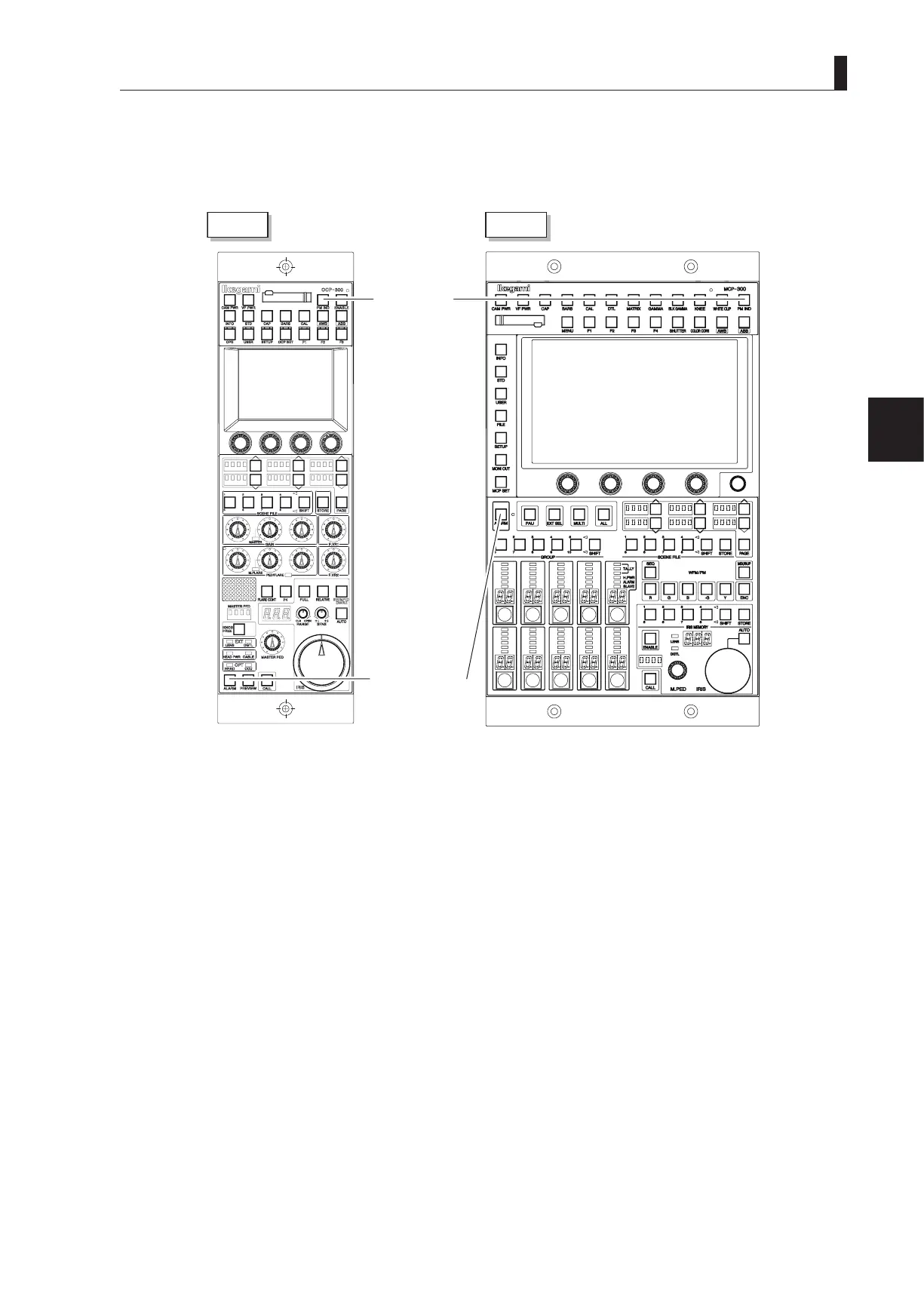
2 Make sure that the ALARM indicator on the OCP or MCP is not flashing
When the camera self-diagnosis function detects errors, the ALARM indicator ashes, and the self-diagnosis information
will be displayed for 20 seconds.
2
OCP
MCP
PM IND/PAGE
button
ALARM indicator
Note:
You can display the self-diagnosis information and check the status on the PM attached to the base station by pressing the PM IND/
PAGE button even when the ALARM indicator is not ashing.
■
To Control Power ON/OFF from OCP
It is possible to use the OCP to control the camera power switching.
When the CAM POWER switch of OCP has been turned ON/OFF, only the camera power is turned ON/OFF. The CCU power is
not turned ON/OFF.



 To Next Page