Operation Manual Page 105
D.1 Access Level User
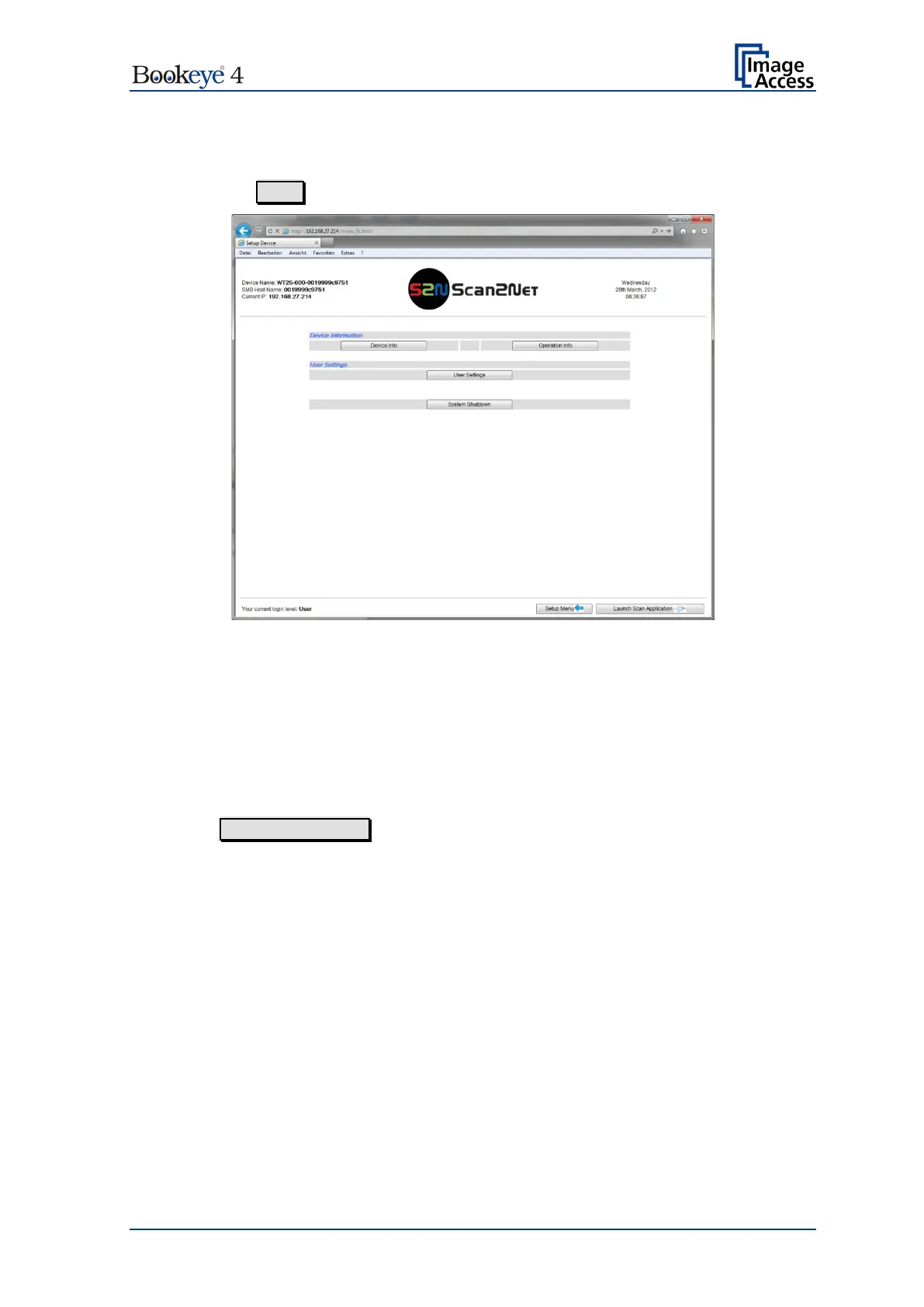
Click the button User . This will open the below displayed screen.
Picture 97: User screen
The user screen is divided into two sections.
The section Device Information shows some details of the scanner and gives general
operation information.
The section User Settings allows the user to define some basic parameters of the
scanner.
The button System Shutdown switches the scanner off.












 To Next Page