Operation Manual Page 109
D.1.3 User Settings
Please note: The screenshot in chapter D.1.3.5 shows the menu of a BE4-V1A scanner. All other
screenshots are identical from content, but taken from another scanner model.
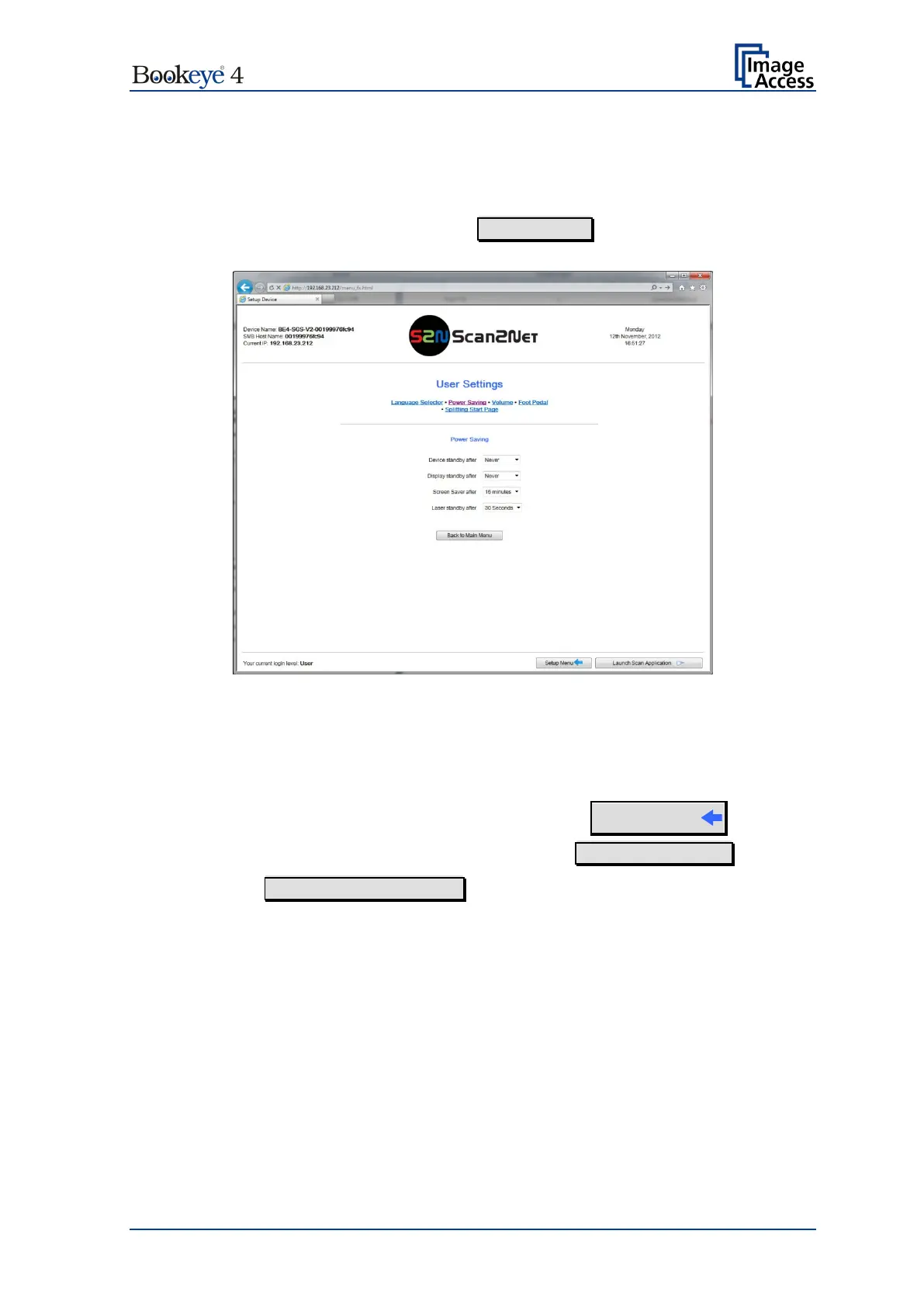
In the section User Settings click the button User Settings and the following screen will
be displayed.
Picture 101: User Settings start screen
The Power Saving screen will be displayed as start screen of the User Settings section.
Click onto the links below the headline to set the respective parameters.
Login screen (Picture 95) click the button
Setup Menu
To return to the USER screen (Picture 96) click the button Back to Main Menu .
Click the button Launch Scan Application to switch directly to the main screen of the
integrated S2N user interface.












 To Next Page