Operation Manual Page 49
A.14.4.3 Multiple fingers hold the book
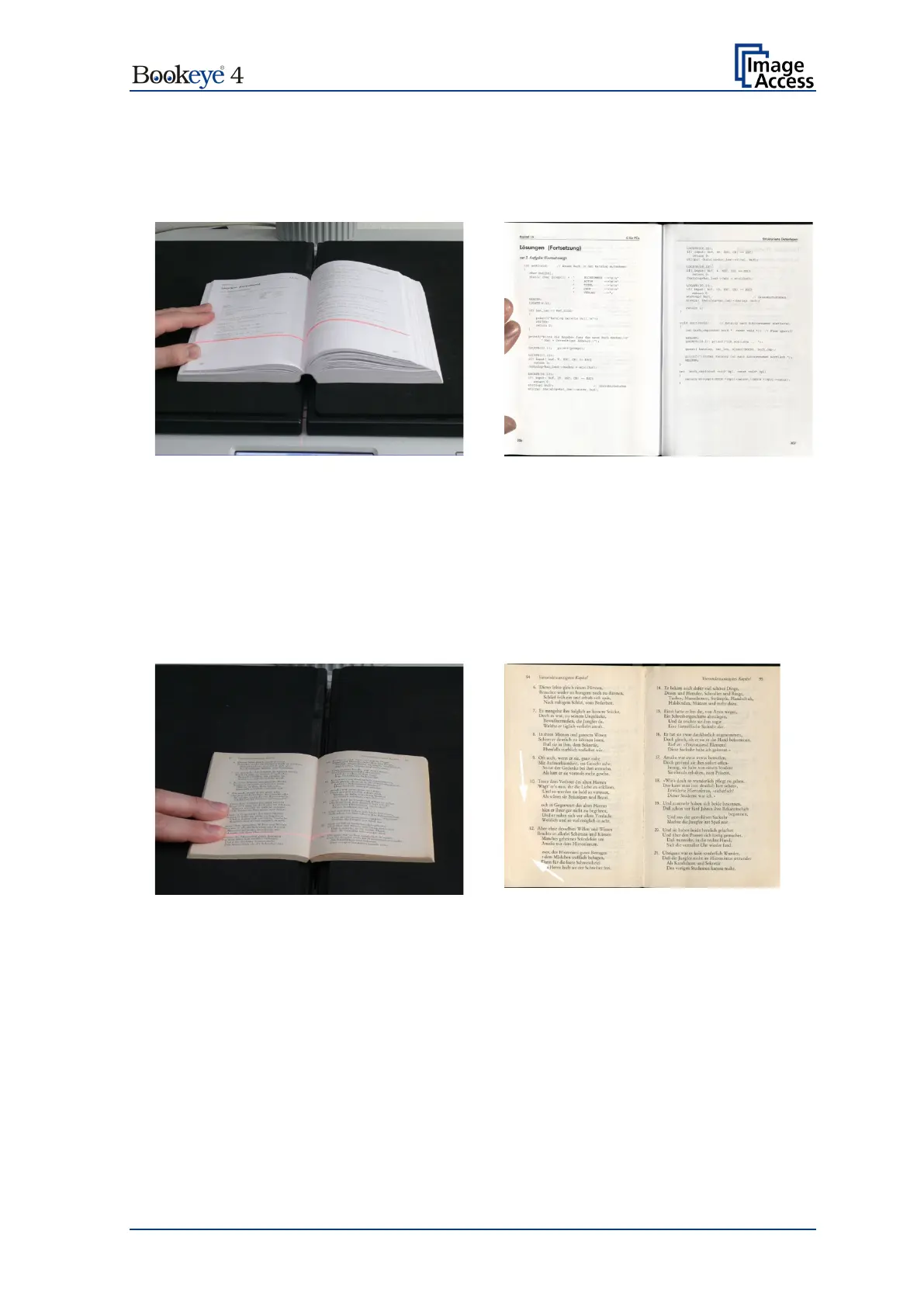
Book Mode, Finger Removal Mode: Book Fan
Book and multiple fingers position
Small book kept flat by multiple fingers
Book Mode, Finger Removal Mode: On, Finger Removal Color: Auto
Note: The Finger Removal Color is defined in the ScanWizard user interface.
If parts of the content of the book are covered by a finger or by multiple fingers, the
removal function detects the contour and fills the area with the selected fill option.
Book and multiple fingers position
The white arrows in the scan result image mark the area where the finger contours have
been filled with automatically defined color.












 To Next Page