Operation Manual Page 75
B.3.6 Exposure
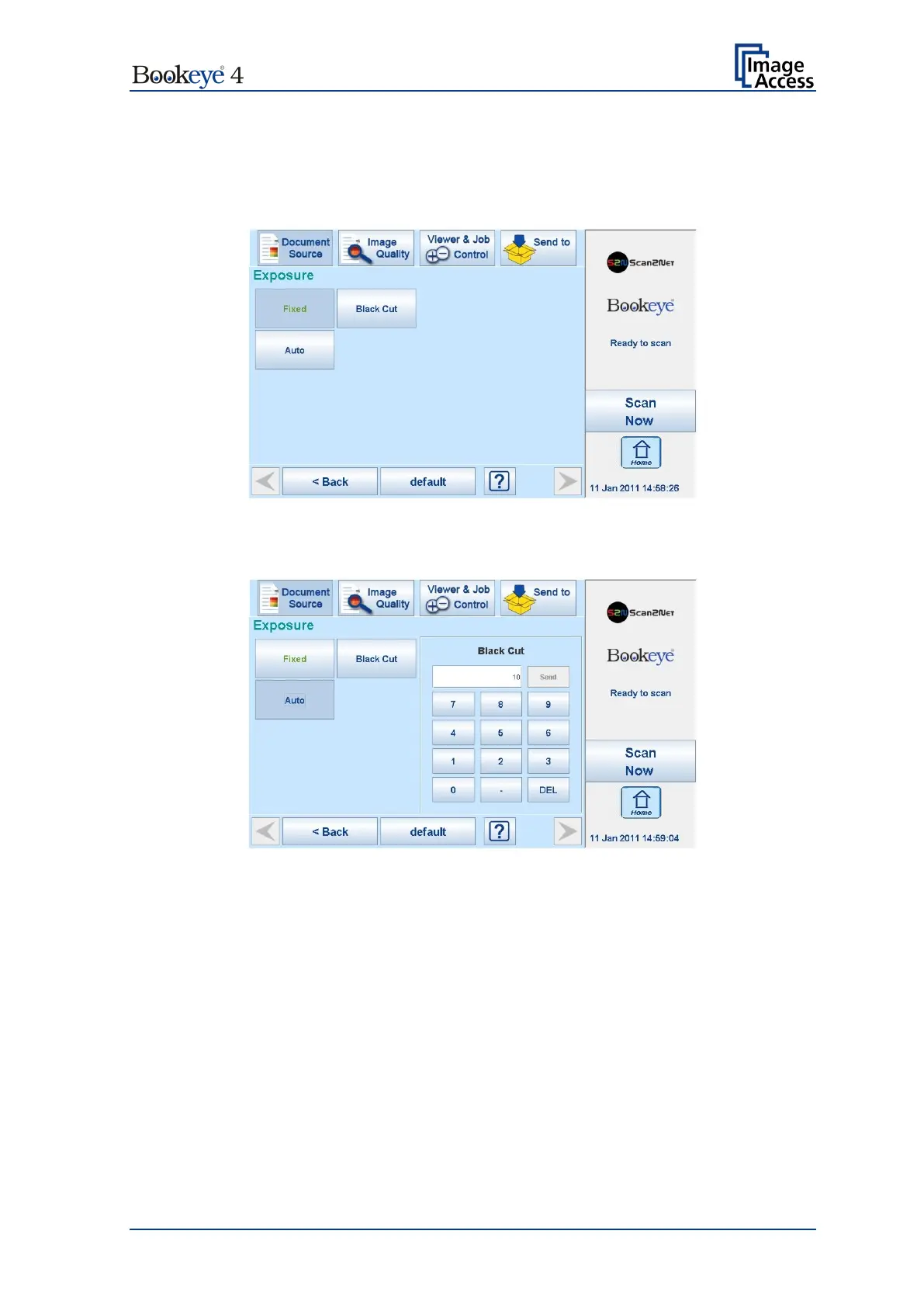
The Exposure screen allows selecting the functions Black Cut and Auto.
Fixed switches the function off.
Picture 49: Exposure Modes
When Black Cut or Auto is selected a numeric key pad opens.
Picture 50: Numeric key pad to set threshold value
0 (zero) to 100
Sets the threshold for black. All pixel values found in the image below
the selected value are set to solid black.
Result: The image contrast is improved.
0 (zero) to 100
Sets the threshold for black and activates the automatic exposure
control.
This function analyzes the image and detects the bright
darkest area.
The detected brightness range is expanded to the
maximum range of the scanner.
Otherwise all values below the
threshold are defined as “black”.
Result: Automatic contrast control and the image contrast is improved.
To set a new value, touch in the line of the displayed value and erase the value with the
DEL button.
Enter the new value with the key pad and touch Send to send the new value.











 To Next Page