Operation Manual Page 55
Format: Auto
Parameters set as follows:
Document Mode: Auto Mode
Format: Auto
Splitting Image: Auto
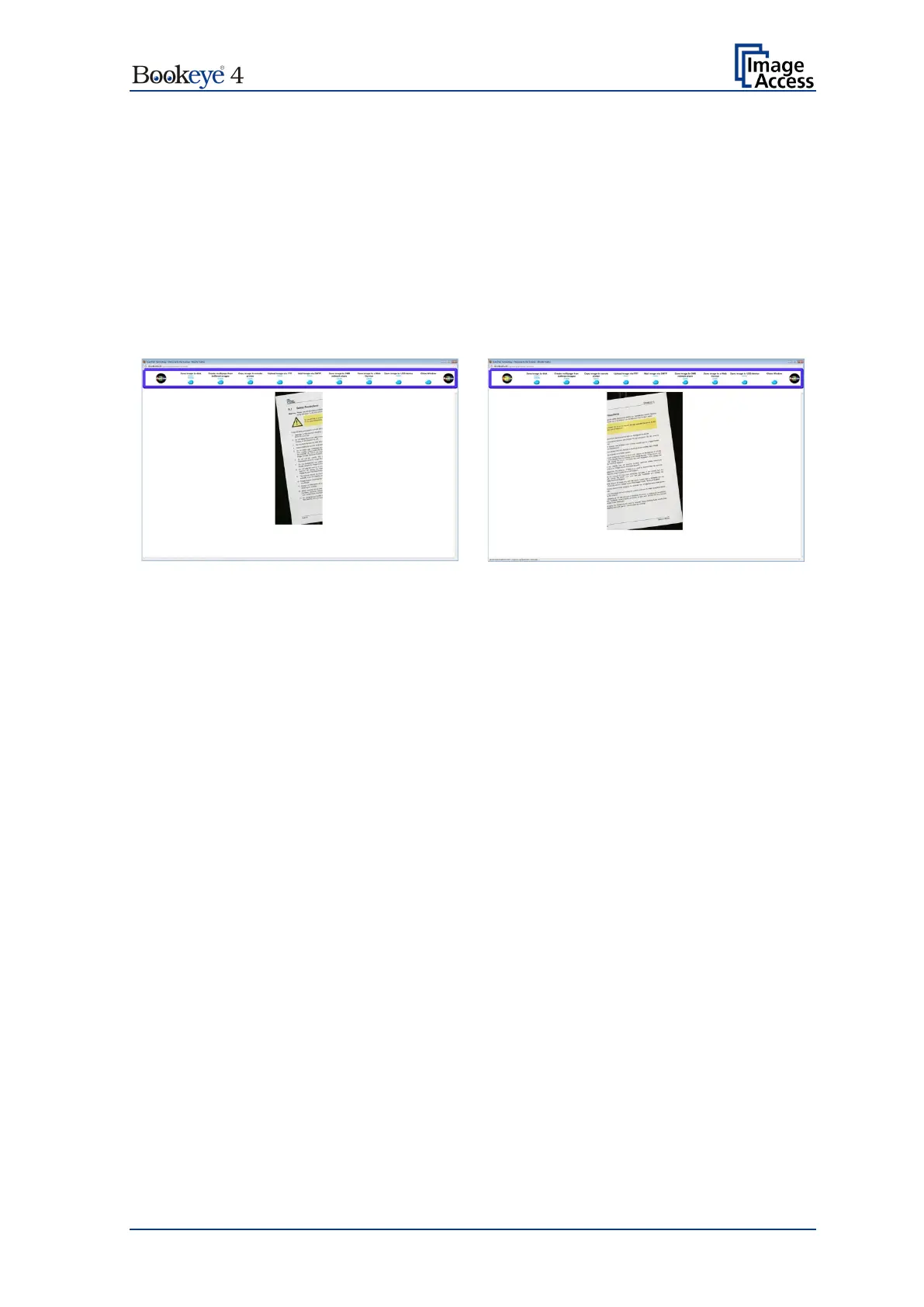
If the document is placed in the middle of the scan area the image is split along the
detected middle of the document
Picture 28: Splitting result with Format = Auto
The resulting images show the parts of the document with a black border. These images
show the left and the right half of the scanned document.












 To Next Page