Page 106 Operation Manual
D.1.1 Device Info
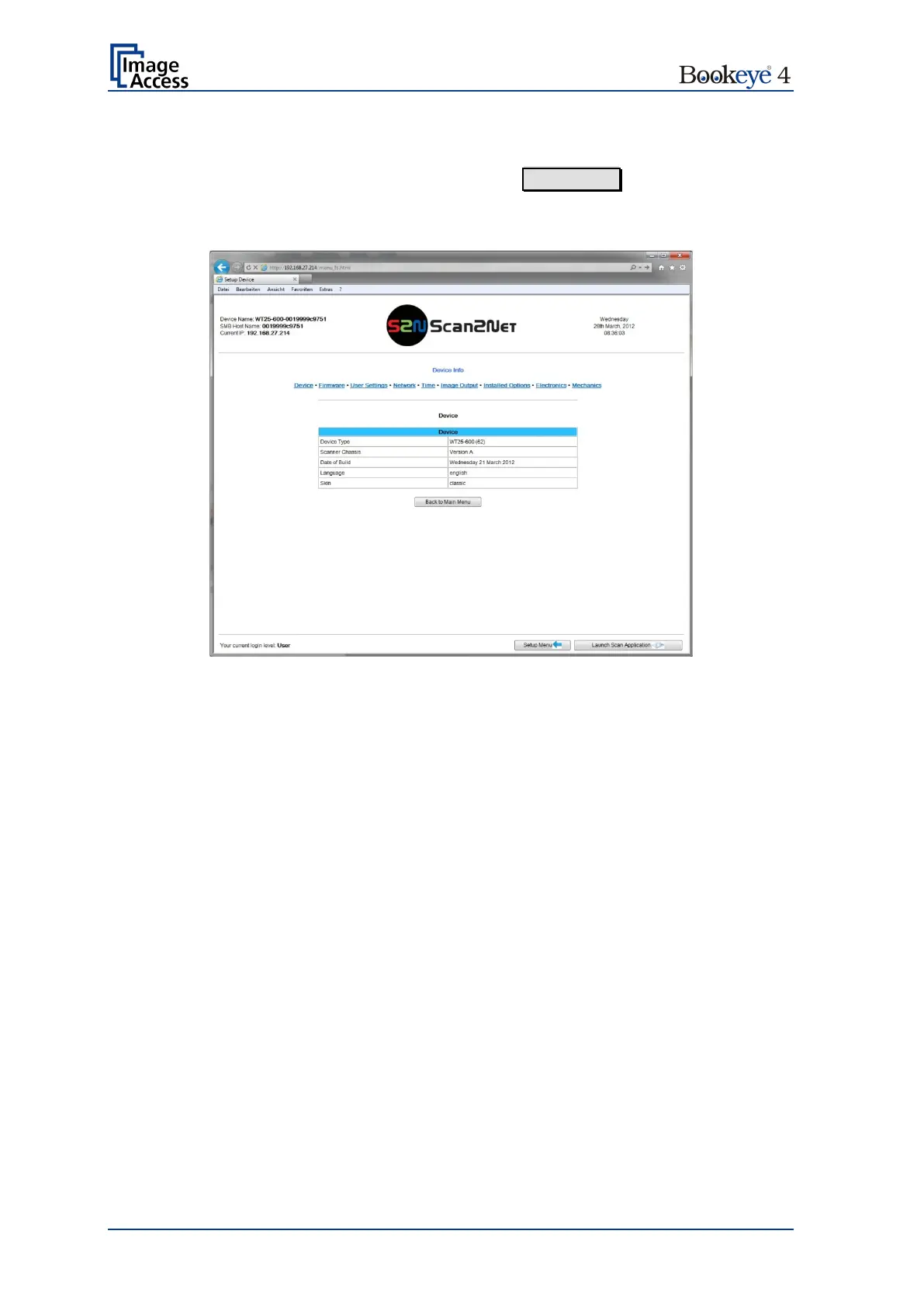
In the section Device Information, click the button Device Info and the following list
(Picture 97) will be displayed.
Specific information can be reached by clicking the links below the headline Device Info.
Picture 98: Device Info screen
The tables following the keyword show the current status of the Bookeye
®
4 scanner.











 To Next Page