Operation Manual Page 81
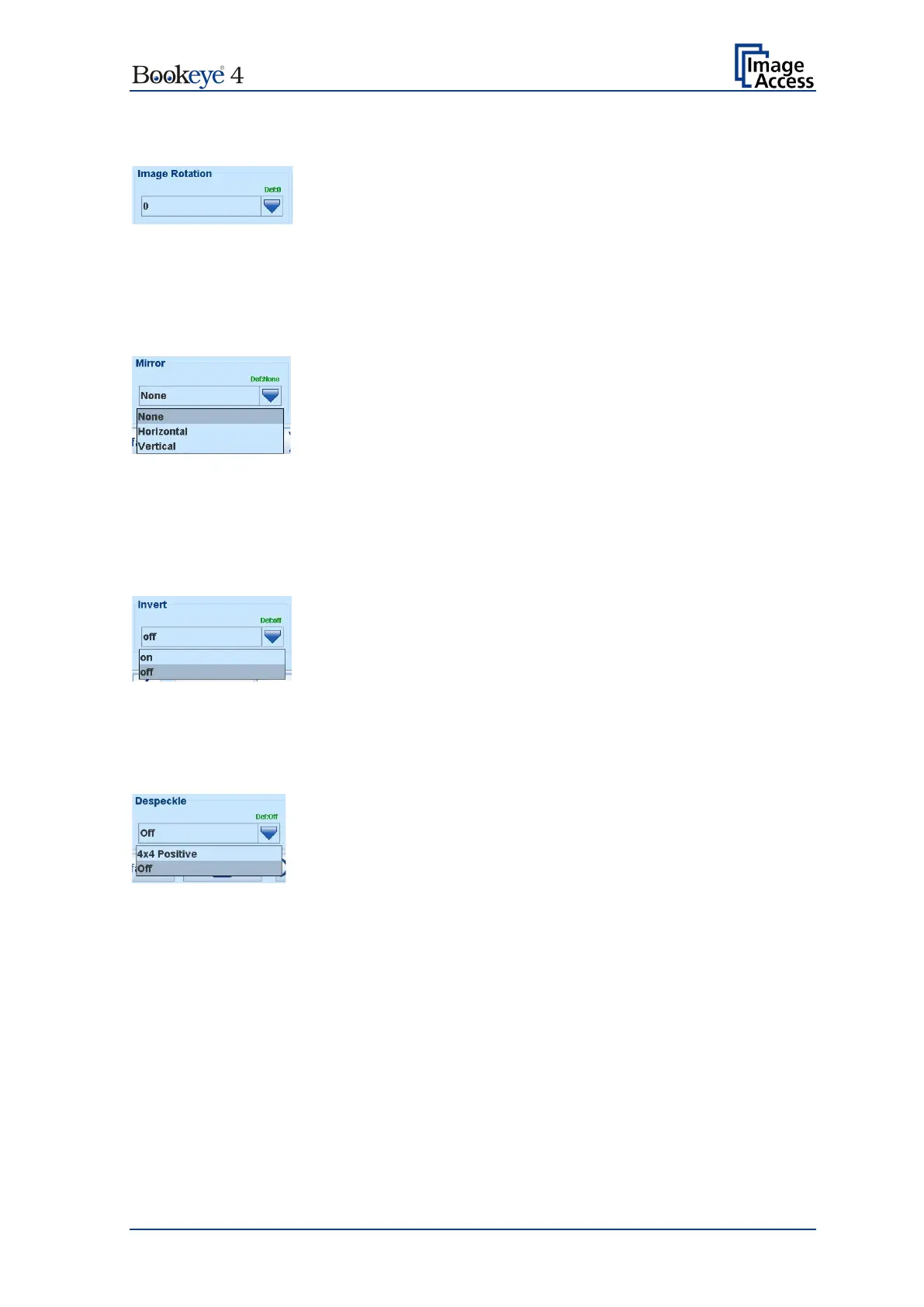
B.4.7 Image Rotation
Picture 61: Image Rotation
The value selected from the list defines the rotation of the image in a clockwise direction.
The image will be rotated directly after scanning and before display
B.4.8 Mirror
Picture 62: Mirror
This control mirrors the image along the selected mirror axis.
Using this setting can be helpful if scanning transparencies from the back.
B.4.9 Invert
Picture 63: Invert
This control is only available with the color modes Binary and Photo.
B.4.10 Despeckle
Picture 64: Despeckle
(Only available in Binary color mode)
Available modes are 4x4p and Off.












 To Next Page