Page 40 Operation Manual
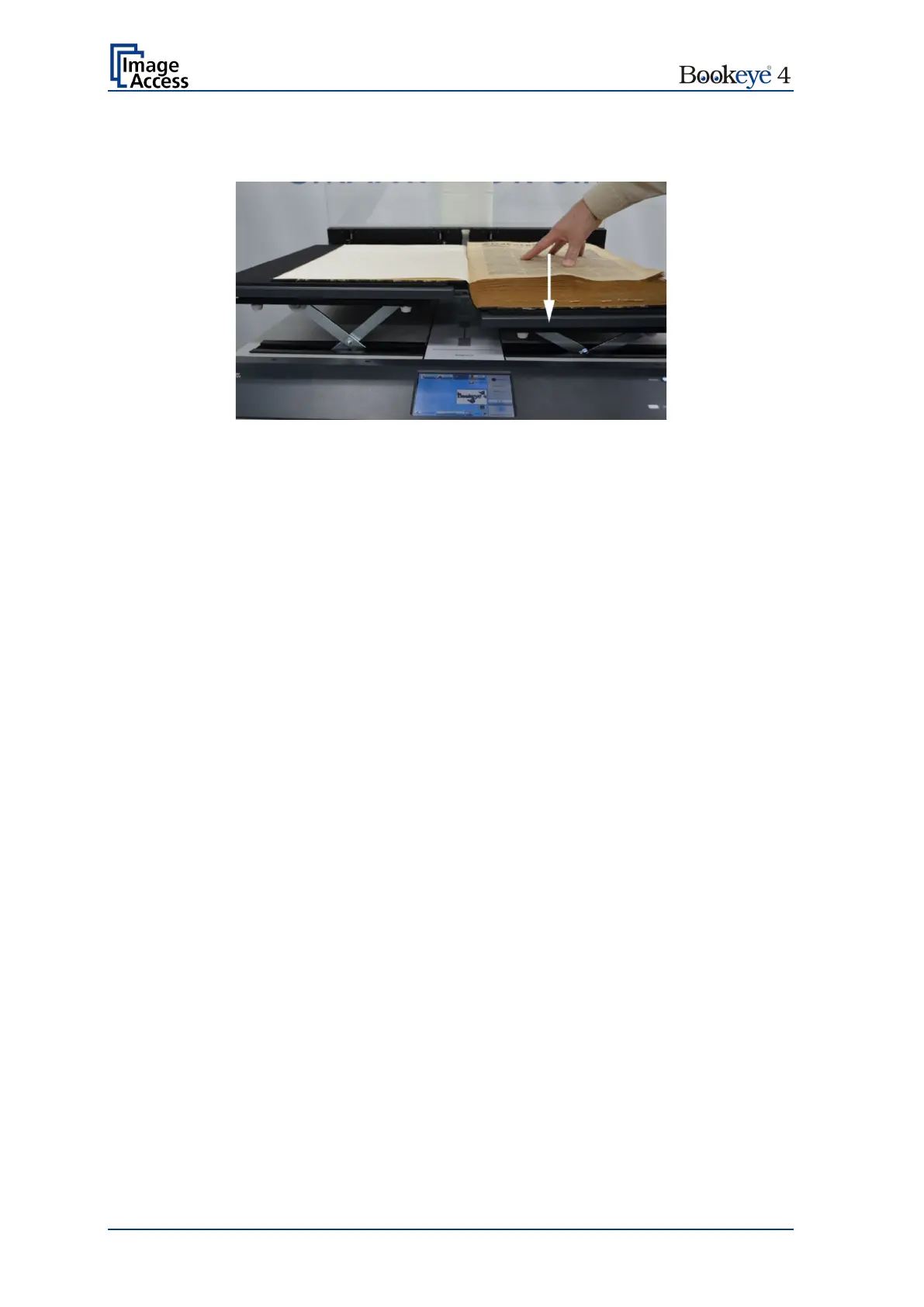
Push the book cradle down manually until both sides of the document are at the same
height.
Picture 18: Lowering the book cradle
Activate the magnetic lock of the glass plate by pressing the Cradle Lock button. The
button is illuminated in blue
Move down the glass plate until the cradle lock engages.
When the cradle lock engages, you will hear a “click” sound and the Cradle Lock button
turns red.












 To Next Page