Page 46 Operation Manual
A.14.4 Examples of Finger Removal
Some examples in the following chapter show the functionality of the “Finger Removal”
function. A requirement is that in the ScanWizard user interface or in the kiosk application
(see chapter B.3.1 and B.3.1.2) the scanner is set to Book Mode.
A.14.4.1 Book positioned at the book cradle
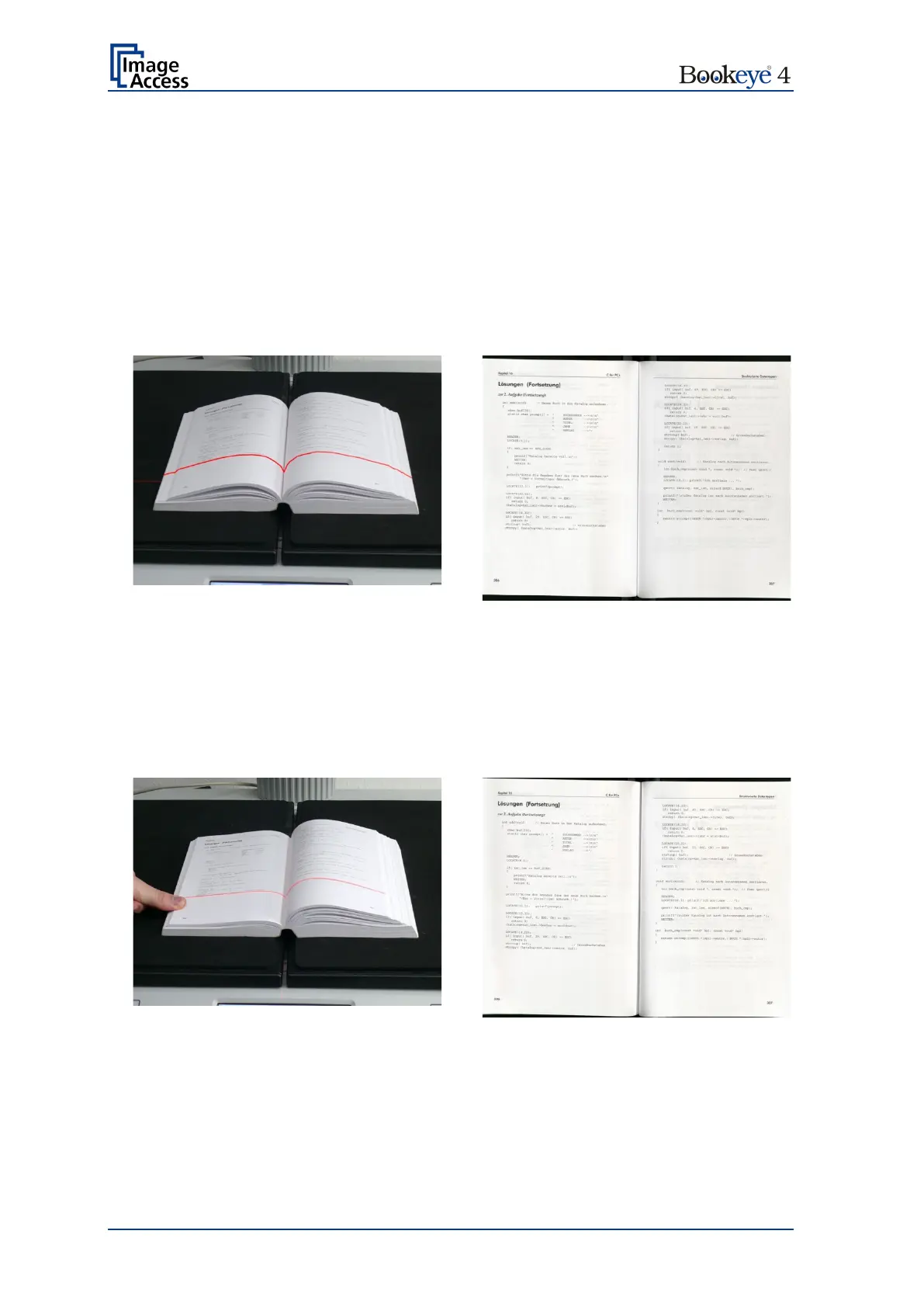
Book Mode, Finger Removal Mode: Book Fan
The setting „Finger Removal Mode: Book Fan“ cuts away the left and right book fan from
the resulting image and flattens the curvature of the book binding.
A.14.4.2 Single finger holds the book
Book Mode, Finger Removal Mode: On, Finger Removal Color: Auto
This setting corrects the resulting image as with the previous setting.
Additionally the finger contour will be detected. It is eliminated in the image and the finger
contour area is filled with a pattern and/or color.
The filling color is automatically taken from the area above and below the finger contour.











 To Next Page