Page 74 Operation Manual
B.3.5 Scan Mode
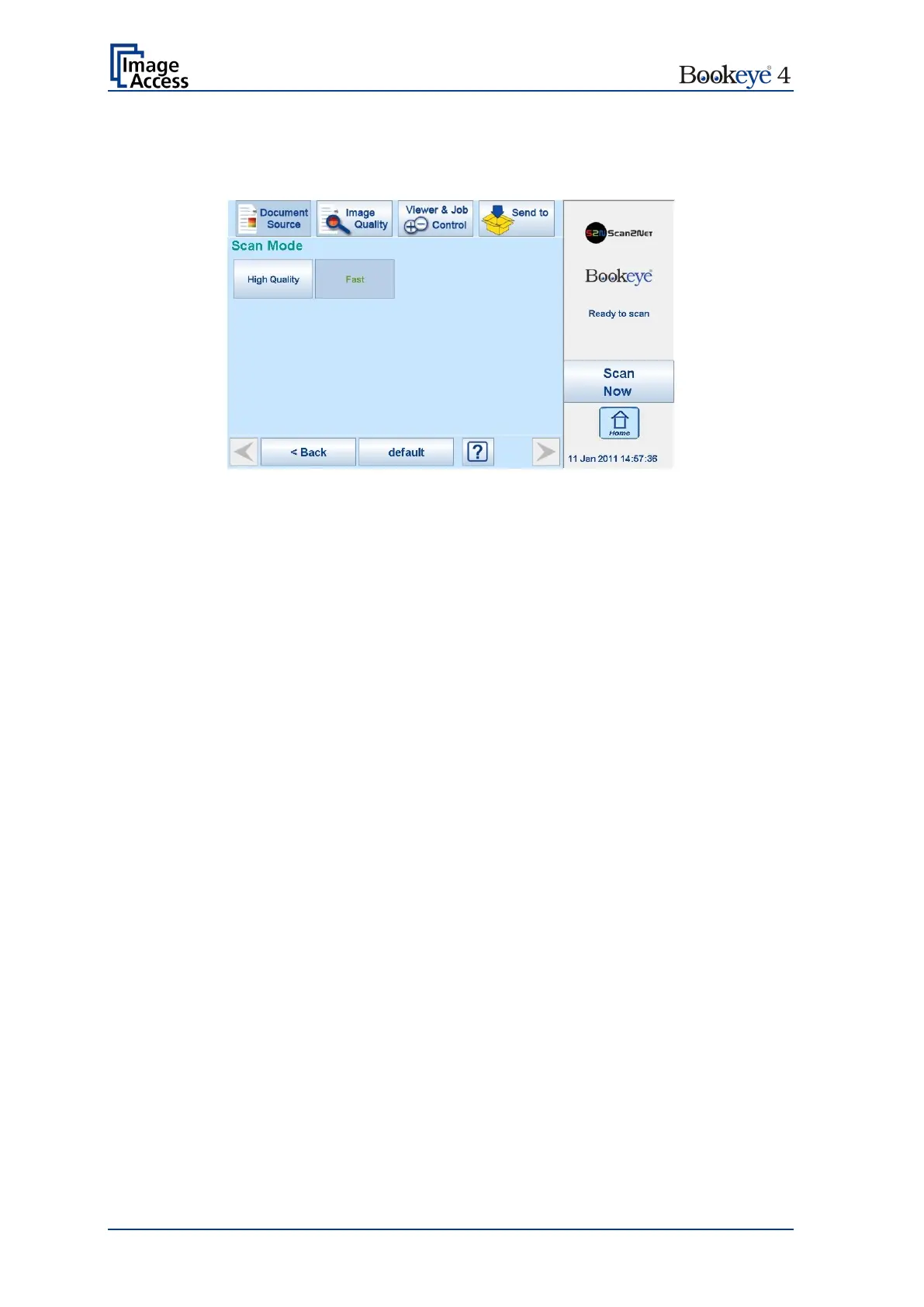
The Scan Mode screen allows the user to select from two possible scan modes.
Picture 48: Available Scan Modes
High Quality Scans with reduced scanning speed but improved scanning quality.
Fast Scans with normal speed, depending on the selected scan resolution.
In general, the scan speed depends at the selected resolution.
That means, the higher the resolution, the lower the scan speed.











 To Next Page