Page 54 Operation Manual
A.15.3 “Splitting” function with single document at middle of
the book cradle plates
Depending of the alignment of the document and of the selected Format mode, the
results of the “Splitting” function differ.
Format: Crop and Deskew
Parameters set as follows:
Document Mode: Auto Mode
Format: Crop and Deskew
Splitting Image: Auto
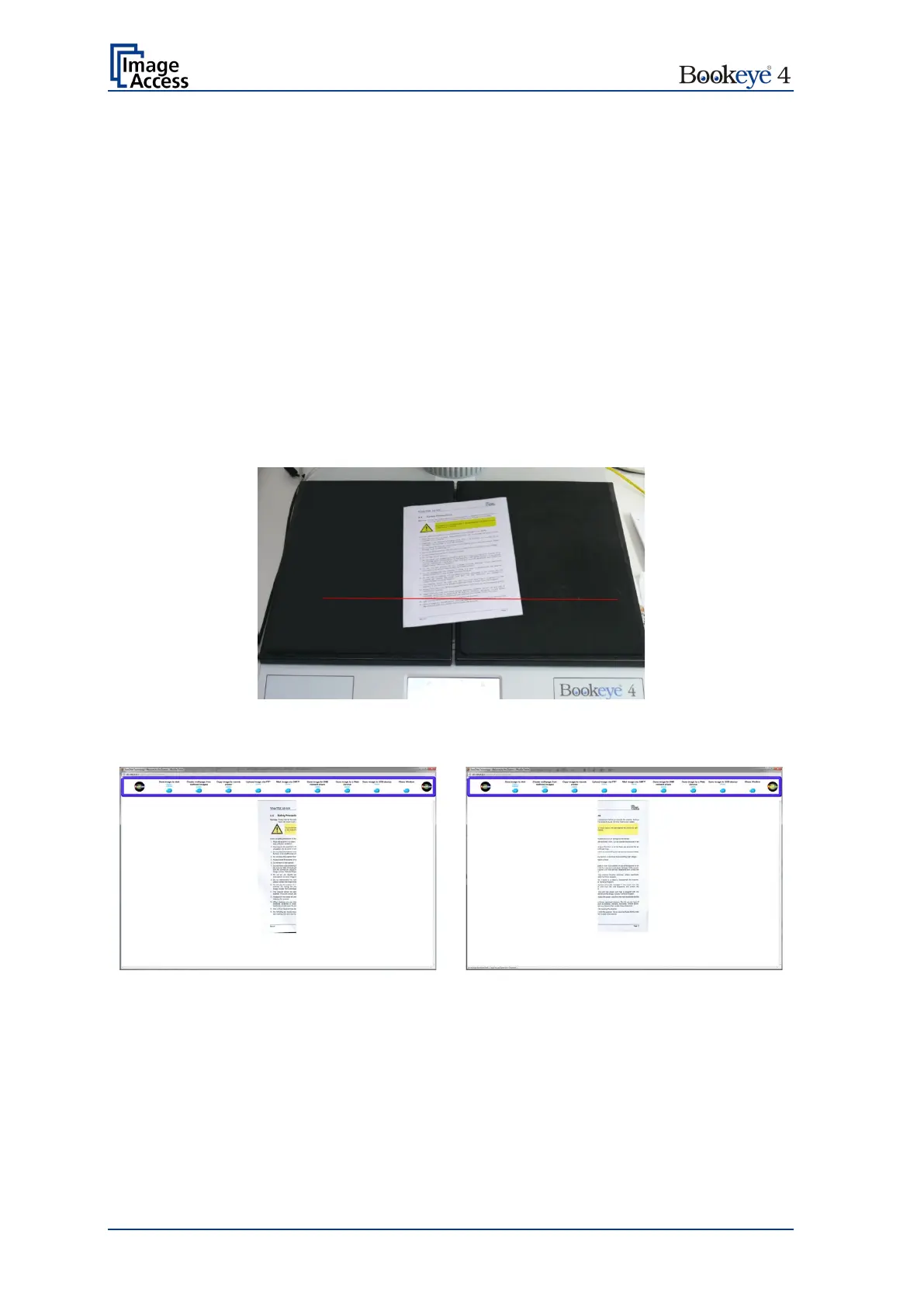
Starting at the vertical gap between the left book cradle plate and the right book cradle
plate the “Splitting” function measures to the left the distance to the edge of the document.
The measured distance gives the width for the left part of the split image.
Picture 26: Document position on book cradle plates
Picture 27: Splitting result with Format = Crop and Deskew
After splitting the images will be aligned (deskew) and the surrounding black border will be
deleted.











 To Next Page