Operation Manual Page 57
A.15.5 Document positions which can result in malfunction
A.15.5.1 Single pages
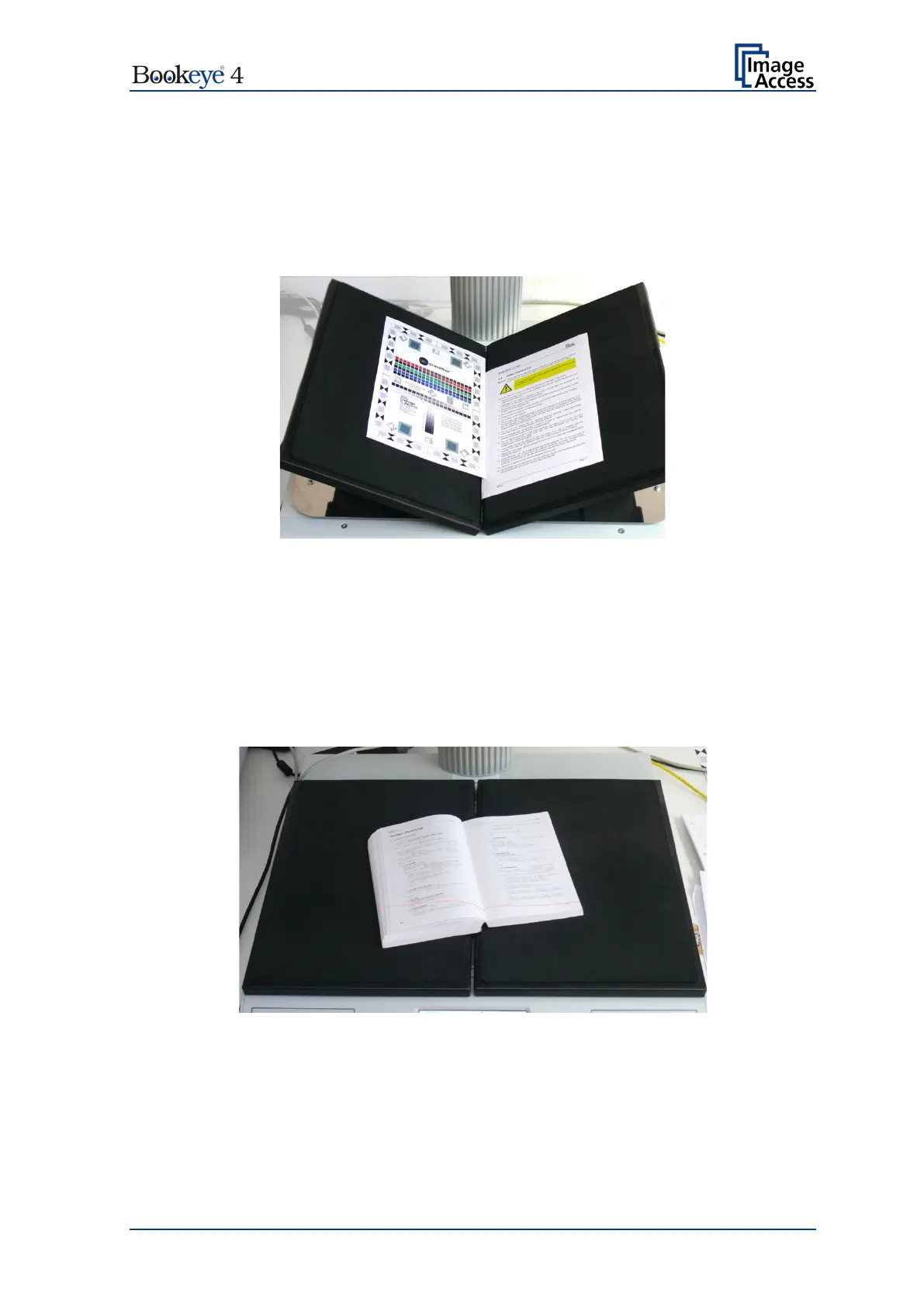
Always place single pages on the book cradle which is in flat position.
Position the single pages with at least a minimum distance of 25 mm (1 inch) between the
pages.
Picture 31: Wrong position of book cradle and pages
Picture 30 shows two errors:
The book cradle plates are set to “V” position.
The pages are placed too close to each other.
A.15.5.2 Books
Books should always be aligned along the laser line and the book cradles plates should
be set into “V” position.
Picture 32: Book in bad position for splitting
In the above displayed situation, the “Splitting” function splits the image along the vertical
laser line.
If the rotation angle between book and laser lines is too large, the “Crop and Deskew”
function cannot turn the image for a proper result of the “Splitting” function.











 To Next Page