Page 56 Operation Manual
A.15.4 “Splitting” function with a book
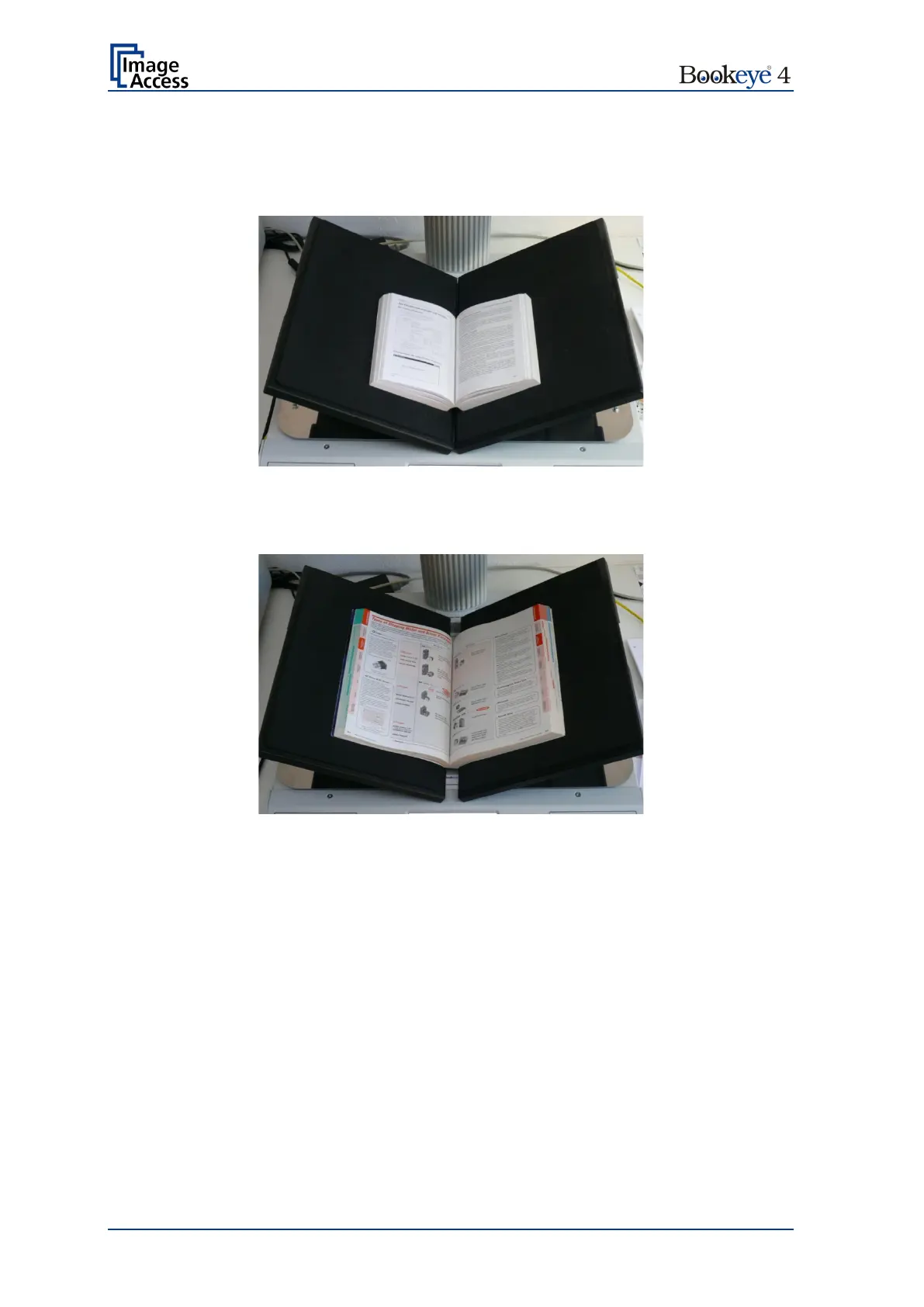
It is recommended to set the book cradle plates into “V” position when scanning books or
other documents with a book spine.
Picture 29: Book cradle plates set to “V” position
The book cradle plates can be shifted horizontally from each other (see chapter 0). This is
recommended for books with a large book spine.
Picture 30: Large book at book cradle in “V” position
Define the settings in the touchscreen menu as follows:
Document Mode: Book Mode (see B.3.1.2) or Auto Mode (see B.3.1.1)
Format: Auto (see chapter B.3.3.2)
Splitting Image: Auto (see chapter B.3.4)
Define the settings in the ScanWizard interface as follows:
Size Book Mode or Size V- Mode
Size Format Auto or Size Format Crop and Deskew
Orientation Splitting Image Auto
The “Splitting” function detects the curvature of the binding and splits the document at this
position.











 To Next Page