Operation Manual Page 95
B.6.3 Copy Options
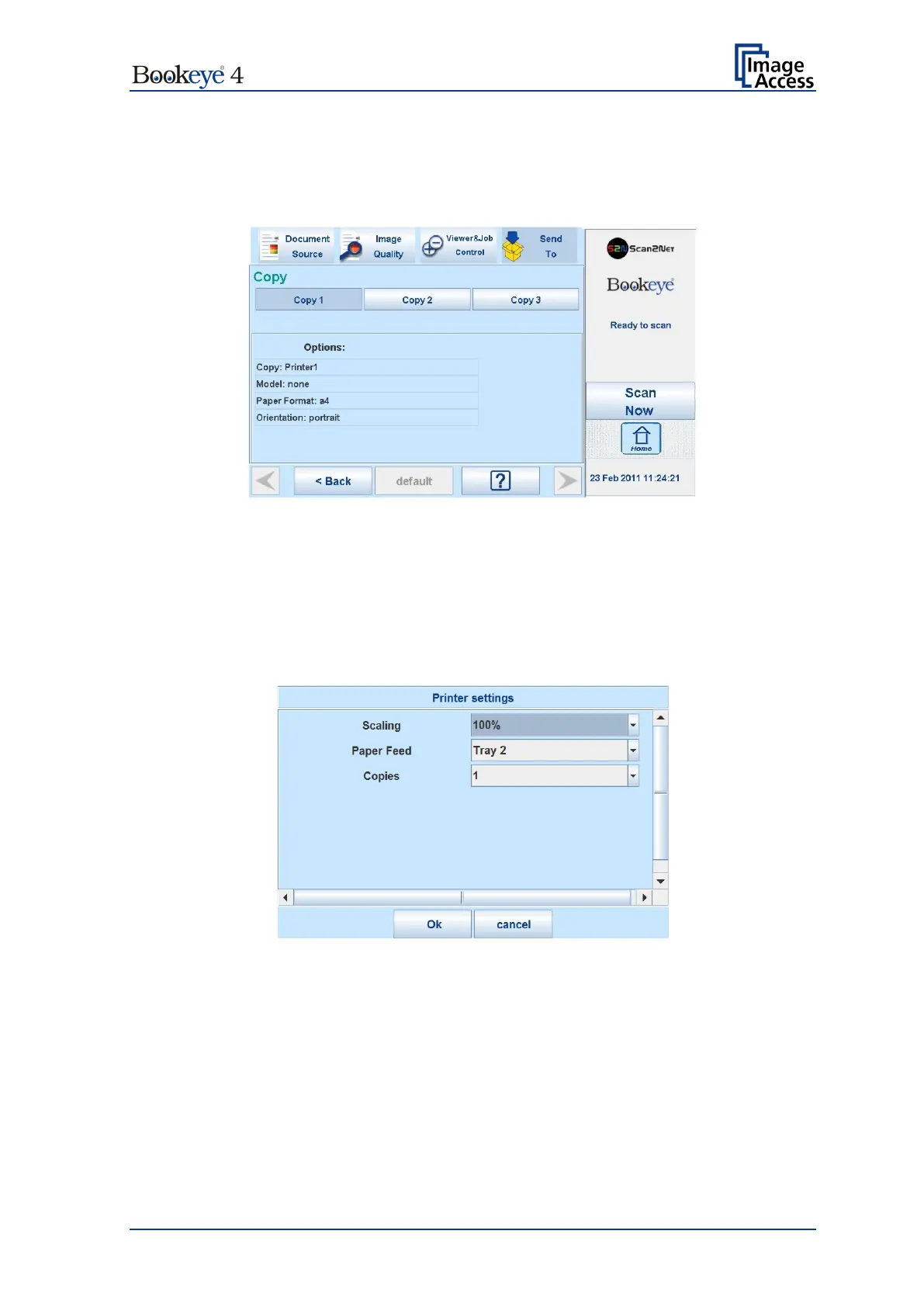
Touch Copy Options to switch to the screen with the preset copy option configurations.
Three preset options can be stored and activated with the buttons Copy1 to Copy3.
Picture 84: Parameters of Copy Options
The parameters displayed in the above picture can only be changed from the Scan2Net®
setup interface, user level Poweruser.
B.6.3.1 Printer Settings
After pressing the button Copy image to remote printer an additional window opens.
Picture 85: Printer settings window
Here the user can select scaling of the image, the paper source and the number of copies.
The content of each line depends on the features of the connected printer.











 To Next Page