Page 102 Manual
B.3.10 Output Option USB
Universal Serial Bus (USB) is a serial bus standard for interface devices, e.g. storage
devices. The output option USB enables direct scanning to a USB Standard-A flash
memory data storage device.
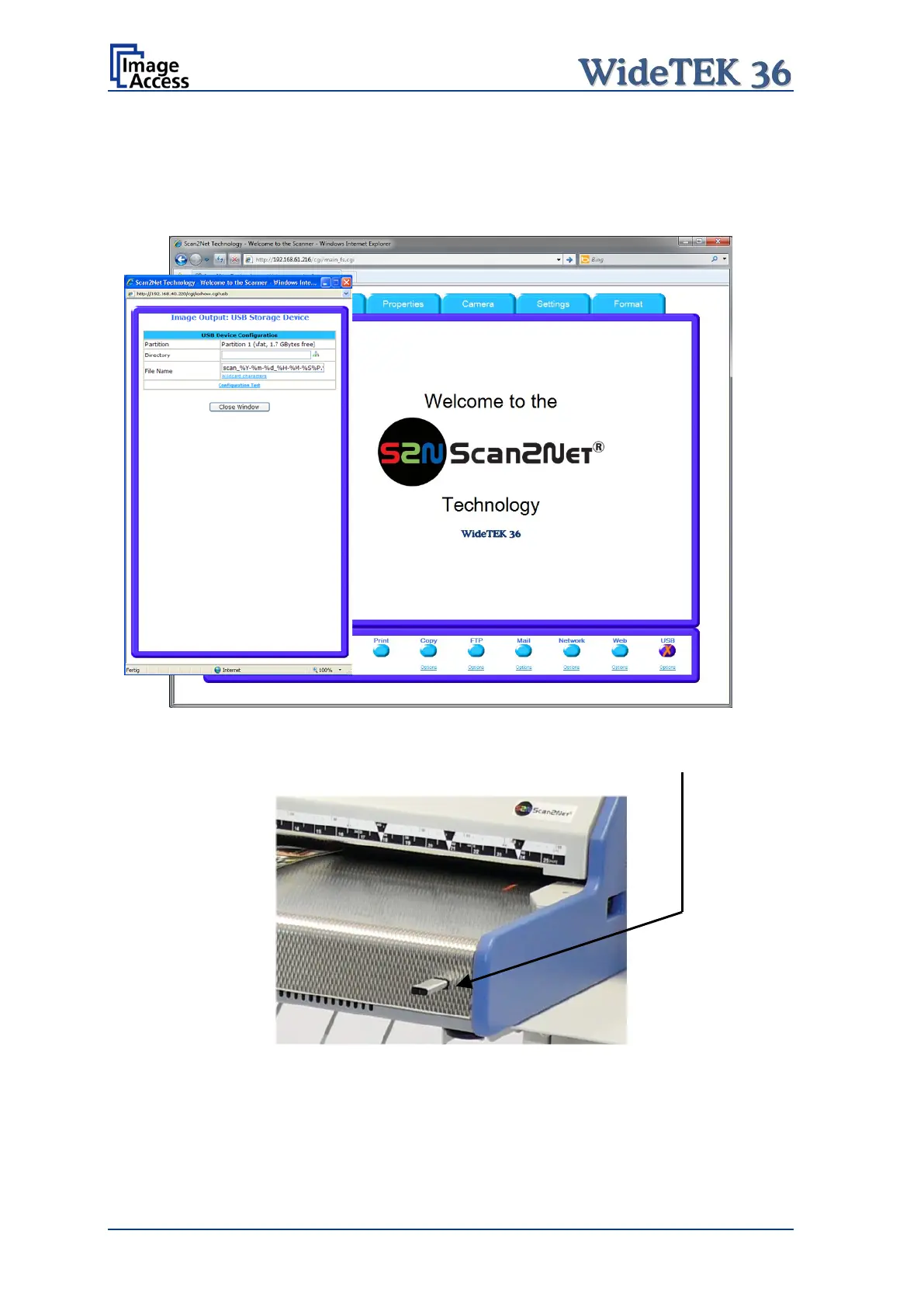
Picture 102: Output Option USB
At the front of the WideTEK 36 scanner (right side of the document input) an USB
connector can be found, where suitable storage media can be inserted.
Picture 103: USB stick inserted in USB connector










 To Next Page