Manual Page 93
B.3.6 Output Option FTP Upload
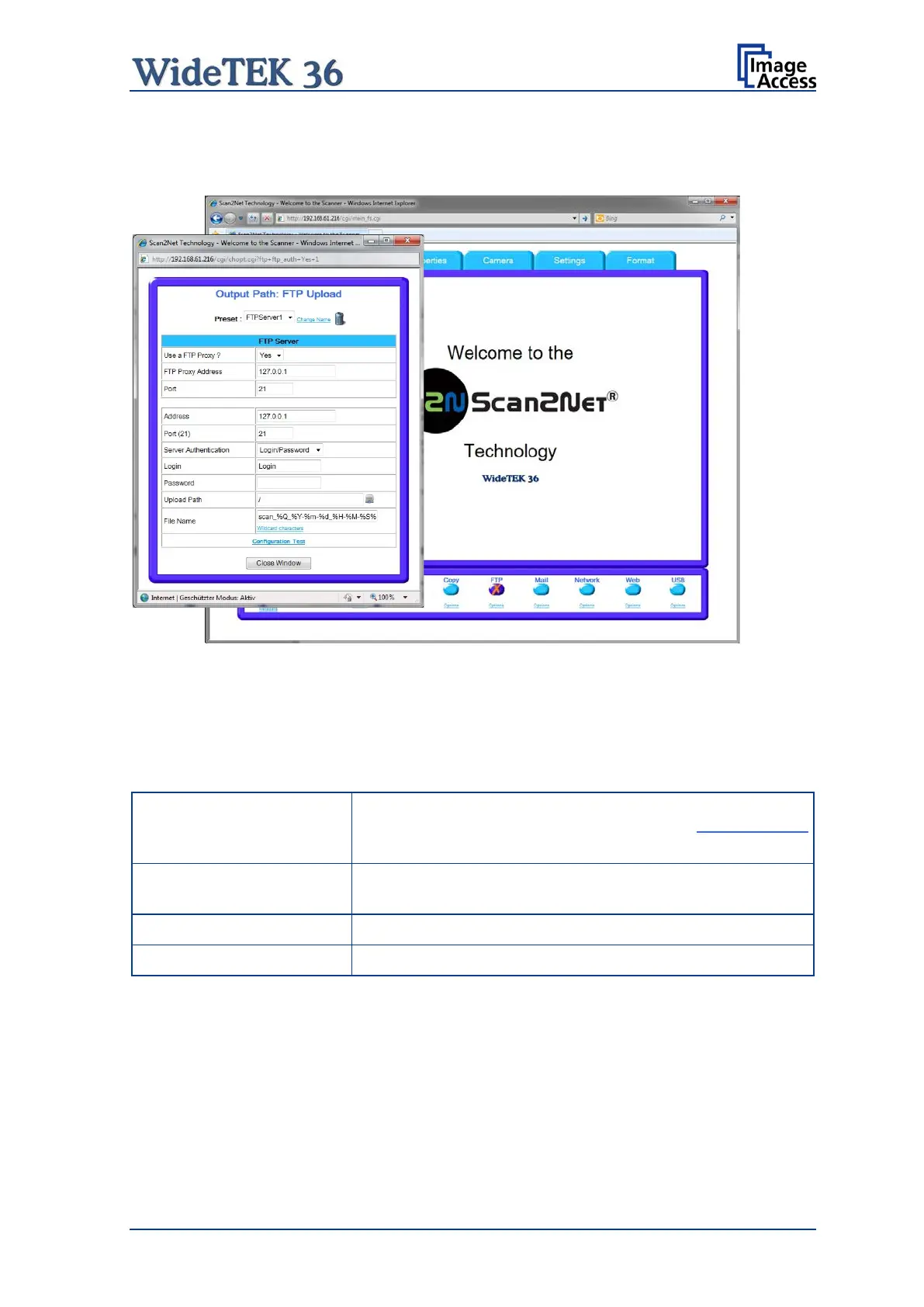
The scanner can directly scan to an FTP server.
Picture 96: Output Option FTP Upload
Go to Options to configure the FTP interface. A configuration window will pop up.
B.3.6.1 FTP Server
Parameter Description
Choose a preconfigured set of parameters out of five
possible sets of parameters. If you click on Change Name
you can change the name of this set.
Switch on/off the use of an FTP proxy for connecting to a
remote FTP server outside the local network.
Specify the IP address of the FTP proxy.
Specify the IP port of the FTP proxy.











 To Next Page