Manual Page 105
B.5 The Setup Screen
The system level is divided in three access levels. The access levels Poweruser and
Admin are password protected.
The User access level allows showing certain information about the system like power up
time, remaining lamp life time or firmware version.
Furthermore the access level User allows setting some basic parameters.
Start your browser and enter the IP address of the scanner to get access to the scanner.
The start screen (see chapter B.1) will open.
B.5.1 Login Screen
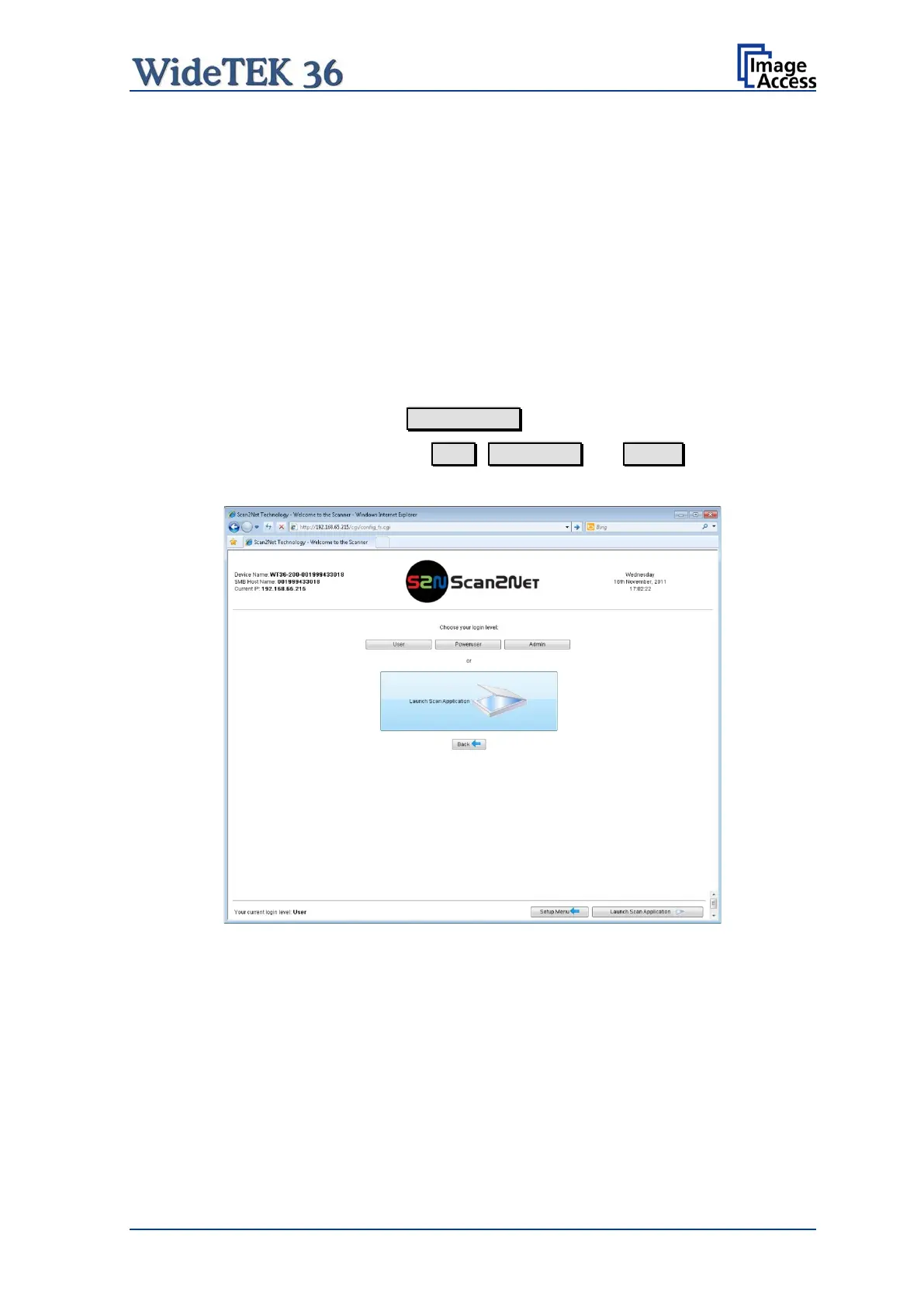
On the start screen, click the button Setup Device .
The next screen shows the login levels User , Poweruser and Admin .
Picture 105: Login screen
Note: The login levels Poweruser and Admin are password protected. Only trained
technicians should use these levels.











 To Next Page